
Getting Started#
Welcome to the NoisePy Colab Tutorial!
This tutorial will walk you through the basic steps of using NoisePy to compute ambient noise cross correlation functions.
First, we install the noisepy-seis package
# Uncomment and run this line if the environment doesn't have noisepy already installed:
# ! pip install noisepy-seis
Warning: NoisePy uses obspy as a core Python module to manipulate seismic data. Restart the runtime now for proper installation of obspy on Colab.
Then we import the basic modules
from noisepy.seis import download, cross_correlate, stack_cross_correlations, __version__
from noisepy.seis.io import plotting_modules
from noisepy.seis.io.asdfstore import ASDFRawDataStore, ASDFCCStore, ASDFStackStore
from noisepy.seis.io.datatypes import CCMethod, ConfigParameters, FreqNorm, RmResp, TimeNorm
from datetime import datetime, timezone
from datetimerange import DateTimeRange
import os
import shutil
print(f"Using NoisePy version {__version__}")

path = os.path.join(".", "get_started_data")

os.makedirs(path,exist_ok=True)
raw_data_path = os.path.join(path, "RAW_DATA")
cc_data_path = os.path.join(path, "CCF")
stack_data_path = os.path.join(path, "STACK")
/opt/hostedtoolcache/Python/3.10.20/x64/lib/python3.10/site-packages/noisepy/seis/io/utils.py:13: TqdmExperimentalWarning: Using `tqdm.autonotebook.tqdm` in notebook mode. Use `tqdm.tqdm` instead to force console mode (e.g. in jupyter console)
  from tqdm.autonotebook import tqdm
Using NoisePy version 0.1.dev1
Ambient Noise Project Configuration#
We store the metadata information about the ambient noise cross correlation workflow in a ConfigParameters() object. We first initialize it, then we tune the parameters for this cross correlation.
config = ConfigParameters() # default config parameters which can be customized
config.inc_hours = 12
config.sampling_rate = 20  # (int) Sampling rate in Hz of desired processing (it can be different than the data sampling rate)
config.cc_len = 3600  # (float) basic unit of data length for fft (sec)
    # criteria for data selection
config.ncomp = 3  # 1 or 3 component data (needed to decide whether do rotation)

config.acorr_only = False  # only perform auto-correlation or not
config.xcorr_only = True  # only perform cross-correlation or not

config.inc_hours = 12 # if the data is first

config.lamin = 31       # min latitude
config.lamax = 42       # max latitude
config.lomin = -124     # min longitude
config.lomax = -115     # max longitude

# pre-processing parameters
config.step = 1800.0        # stepping size between each cc_len (sec)
config.stationxml = False   # station.XML file used to remove instrument response for SAC/miniseed data
config.rm_resp = RmResp.INV # select 'no' to not remove response and use 'inv' if you use the stationXML,'spectrum',
config.freqmin = 0.05
config.freqmax = 2.0
config.max_over_std  = 10   # threshold to remove window of bad signals: set it to 10*9 if prefer not to remove them

# TEMPORAL and SPECTRAL NORMALISATION
config.freq_norm = FreqNorm.RMA # choose between "rma" for a soft whitenning or "no" for no whitening. Pure whitening is not implemented correctly at this point.
config.smoothspect_N = 10  # moving window length to smooth spectrum amplitude (points)
    # here, choose smoothspect_N for the case of a strict whitening (e.g., phase_only)

config.time_norm = TimeNorm.NO  # 'no' for no normalization, or 'rma', 'one_bit' for normalization in time domain,
    # TODO: change time_norm option from "no" to "None"
config.smooth_N = 10  # moving window length for time domain normalization if selected (points)

config.cc_method = CCMethod.XCORR # 'xcorr' for pure cross correlation OR 'deconv' for deconvolution;
    # FOR "COHERENCY" PLEASE set freq_norm to "rma", time_norm to "no" and cc_method to "xcorr"

# OUTPUTS:
config.substack = True  # True = smaller stacks within the time chunk. False: it will stack over inc_hours
config.substack_windows = 1  # how long to stack over (for monitoring purpose)
    # if substack=True, substack_windows=2, then you pre-stack every 2 correlation windows.
    # for instance: substack=True, substack_windows=1 means that you keep ALL of the correlations

config.maxlag = 200  # lags of cross-correlation to save (sec)
config.substack = True
Step 0: download data#
This step will download data using obspy and save them into ASDF files locally. The data will be stored for each time chunk defined in hours by inc_hours.
The download will clean up the raw data by detrending, removing the mean, bandpassing (broadly), removing the instrumental response, merging gaps, ignoring too-gappy data.
Use the function download with the following arguments:
path:where to put the dataconfig: configuration settings, in particular:channel: list of the seismic channels to download, and example is shown belowstations: list of the seismic stations, it can be “*” (not “all”)start_timeend_time
client_url_key: the string for FDSN clients
config.networks = ["*"]
config.stations = ["A*"]
config.channels = ["BH?"]
config.start_date = datetime(2019, 2, 1, tzinfo=timezone.utc)
config.end_date = datetime(2019, 2, 2, tzinfo=timezone.utc)
timerange = DateTimeRange(config.start_date, config.end_date)

# Download data locally. Enters raw data path, channel types, stations, config, and fdsn server.
download(raw_data_path, config)
2026-08-03 12:32:04 | INFO | fdsn_download.download() | Download
        From: 2019-02-01T00:00:00.000000Z
        To: 2019-02-02T00:00:00.000000Z
        Networks: ['*']
        Stations: ['A*']
        Channels: ['BH?']
2026-08-03 12:32:06 | INFO | fdsn_download.download() | Fetched inventory
2026-08-03 12:32:08 | INFO | fdsn_download.download() | Downloaded BHE/bhe_00
2026-08-03 12:32:09 | INFO | fdsn_download.download() | Downloaded BHN/bhn_00
2026-08-03 12:32:09 | INFO | fdsn_download.download() | Downloaded BHZ/bhz_00
2026-08-03 12:32:10 | INFO | fdsn_download.download() | Downloaded BHN/bhn_00
2026-08-03 12:32:10 | INFO | fdsn_download.download() | Downloaded BHE/bhe_00
2026-08-03 12:32:10 | INFO | fdsn_download.download() | Downloaded BHZ/bhz_00
2026-08-03 12:32:11 | INFO | fdsn_download.download() | Downloaded BHN/bhn_00
2026-08-03 12:32:11 | INFO | fdsn_download.download() | Downloaded BHE/bhe_00
2026-08-03 12:32:11 | INFO | fdsn_download.download() | Downloaded BHZ/bhz_00
2026-08-03 12:32:11 | INFO | fdsn_download.download() | Downloaded BHE/bhe_00
2026-08-03 12:32:12 | INFO | fdsn_download.download() | Downloaded BHN/bhn_00
2026-08-03 12:32:12 | INFO | fdsn_download.download() | Downloaded BHZ/bhz_00
2026-08-03 12:32:15 | INFO | fdsn_download.download() | Downloaded BHE/bhe_00
2026-08-03 12:32:15 | INFO | fdsn_download.download() | Downloaded BHE/bhe_00
2026-08-03 12:32:16 | INFO | fdsn_download.download() | Downloaded BHN/bhn_00
2026-08-03 12:32:16 | INFO | fdsn_download.download() | Downloaded BHZ/bhz_00
2026-08-03 12:32:16 | INFO | fdsn_download.download() | Downloaded BHE/bhe_00
2026-08-03 12:32:17 | INFO | fdsn_download.download() | Downloaded BHN/bhn_00
2026-08-03 12:32:17 | INFO | fdsn_download.download() | Downloaded BHN/bhn_00
2026-08-03 12:32:17 | INFO | fdsn_download.download() | Downloaded BHZ/bhz_00
2026-08-03 12:32:17 | INFO | fdsn_download.download() | Downloaded BHZ/bhz_00
2026-08-03 12:32:18 | INFO | fdsn_download.download() | Downloaded BHE/bhe_00
2026-08-03 12:32:18 | INFO | fdsn_download.download() | Downloaded BHZ/bhz_00
2026-08-03 12:32:18 | INFO | fdsn_download.download() | Downloaded BHN/bhn_00
List the files that were downloaded, just to make sure !
print(os.listdir(raw_data_path))
['2019_02_01_12_00_00T2019_02_02_00_00_00.h5', '2019_02_01_00_00_00T2019_02_01_12_00_00.h5', 'station.csv']
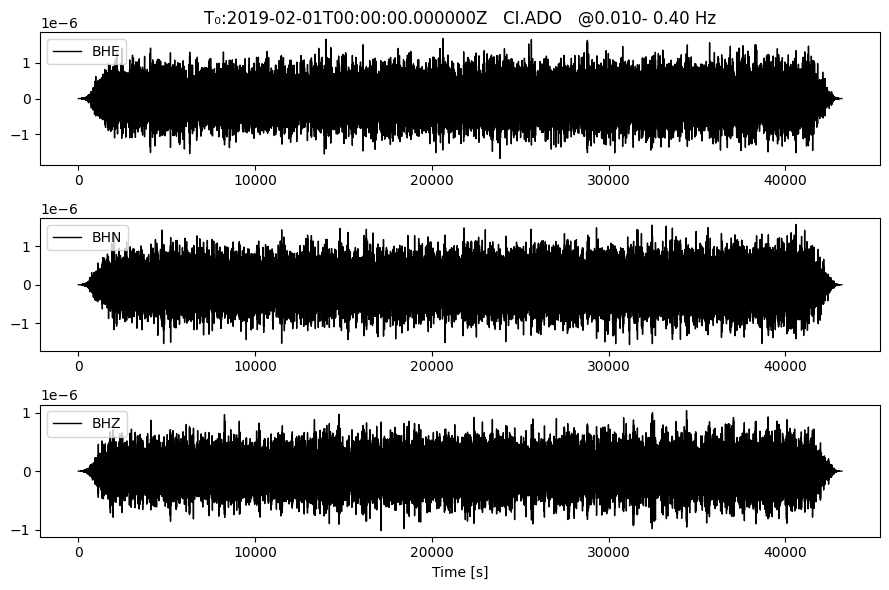
Plot the raw data, make sure it’s noise!
file = os.path.join(raw_data_path, "2019_02_01_00_00_00T2019_02_01_12_00_00.h5")
raw_store = ASDFRawDataStore(raw_data_path) # Store for reading raw data
timespans = raw_store.get_timespans()
plotting_modules.plot_waveform(raw_store, timespans[0], 'CI','ADO', 0.01, 0.4) # this function takes for input: filename, network, station, freqmin, freqmax for a bandpass filter
Step 1: Cross-correlation#
This step will perform the cross correlation. For each time chunk, it will read the data, perform classic ambient noise pre-processing (time and frequency normalization), FFT, cross correlation, substacking, saving cross correlations in to a temp ASDF file (this is not fast and will be improved).
# For this tutorial make sure the previous run is empty
if os.path.exists(cc_data_path):
    shutil.rmtree(cc_data_path)
config.freq_norm = FreqNorm.RMA
cc_store = ASDFCCStore(cc_data_path) # Store for writing CC data

# print the configuration parameters. Some are chosen by default but we cab modify them
print(config)
client_url_key='SCEDC' start_date=datetime.datetime(2019, 2, 1, 0, 0, tzinfo=datetime.timezone.utc) end_date=datetime.datetime(2019, 2, 2, 0, 0, tzinfo=datetime.timezone.utc) sampling_rate=20 single_freq=True cc_len=3600 lamin=31 lamax=42 lomin=-124 lomax=-115 down_list=False networks=['*'] stations=['A*'] channels=['BH?'] step=1800.0 freqmin=0.05 freqmax=2.0 freq_norm=<FreqNorm.RMA: 'rma'> time_norm=<TimeNorm.NO: 'no'> cc_method=<CCMethod.XCORR: 'xcorr'> smooth_N=10 smoothspect_N=10 substack=True substack_windows=1 maxlag=200 inc_hours=12 max_over_std=10 ncomp=3 stationxml=False rm_resp=<RmResp.INV: 'inv'> rm_resp_out='VEL' respdir=None acorr_only=False xcorr_only=True stack_method=<StackMethod.LINEAR: 'linear'> keep_substack=False rotation=True correction=False correction_csv=None storage_options=defaultdict(<class 'dict'>, {})
Perform the cross correlation
cross_correlate(raw_store, config, cc_store)
2026-08-03 12:32:19 | INFO | correlate.cross_correlate() | Starting cross-correlation with 4 cores
2026-08-03 12:32:19 | INFO | correlate.cc_timespan() | Checking for stations already done: 10 pairs
2026-08-03 12:32:19 | INFO | correlate.cc_timespan() | Still need to process: 4/4 stations, 12/12 channels, 10/10 pairs for 2019-02-01T00:00:00+0000 - 2019-02-01T12:00:00+0000
2026-08-03 12:32:24 | INFO | correlate.cc_timespan() | Starting CC with 10 station pairs
2026-08-03 12:32:25 | INFO | correlate.cc_timespan() | Checking for stations already done: 10 pairs
2026-08-03 12:32:25 | INFO | correlate.cc_timespan() | Still need to process: 4/4 stations, 12/12 channels, 10/10 pairs for 2019-02-01T12:00:00+0000 - 2019-02-02T00:00:00+0000
2026-08-03 12:32:29 | INFO | correlate.cc_timespan() | Starting CC with 10 station pairs
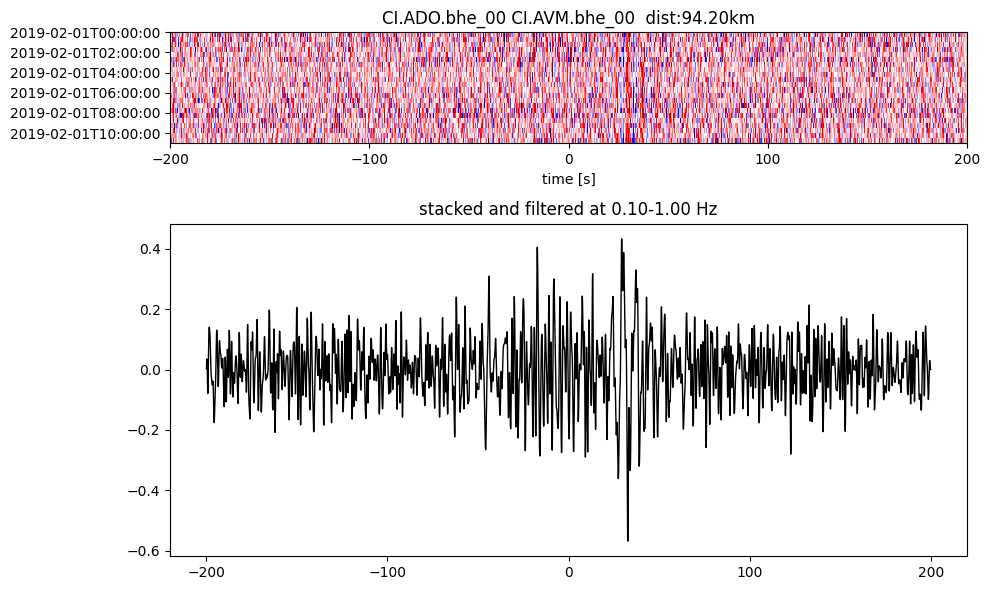
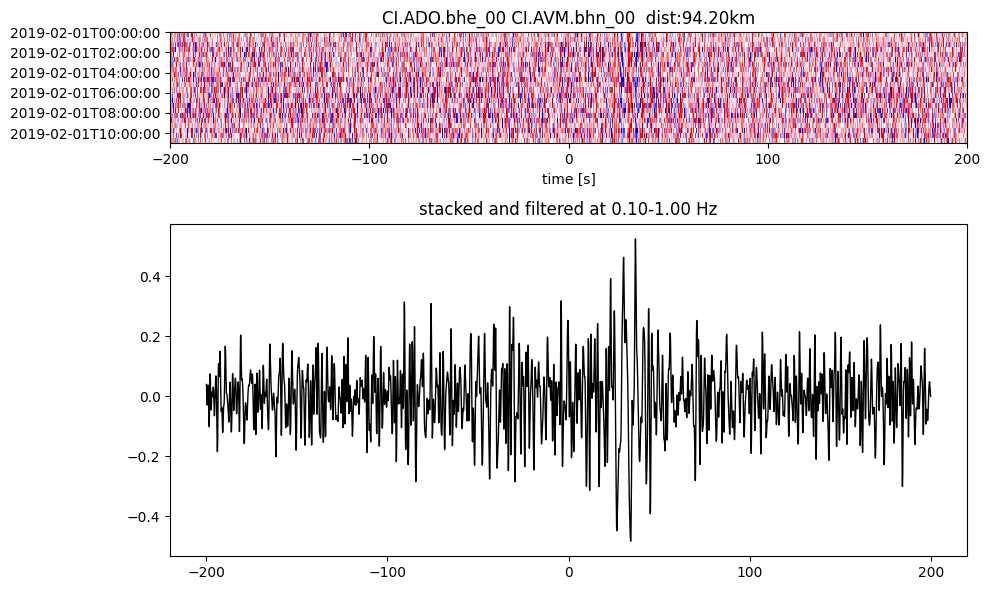
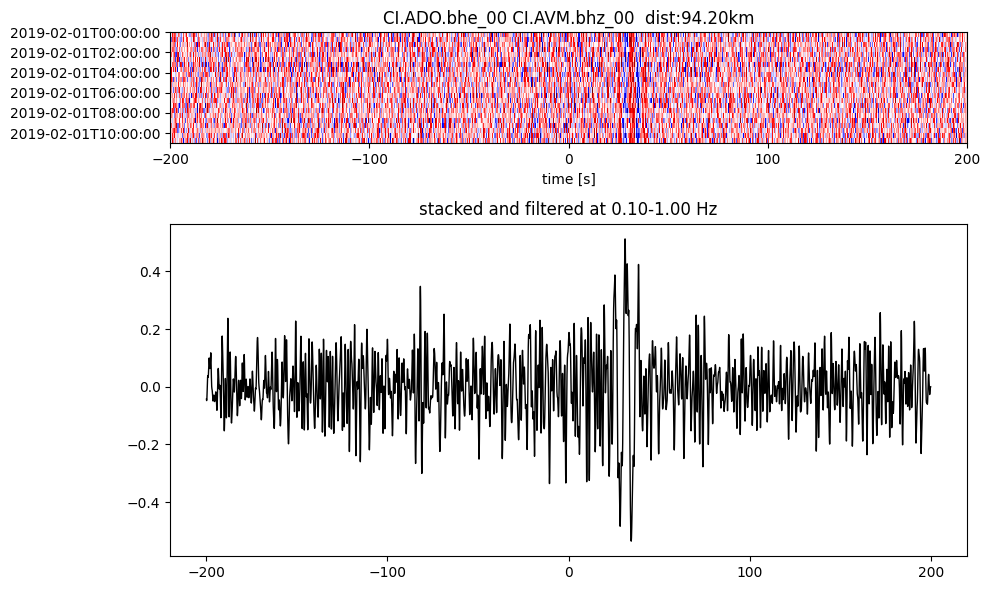
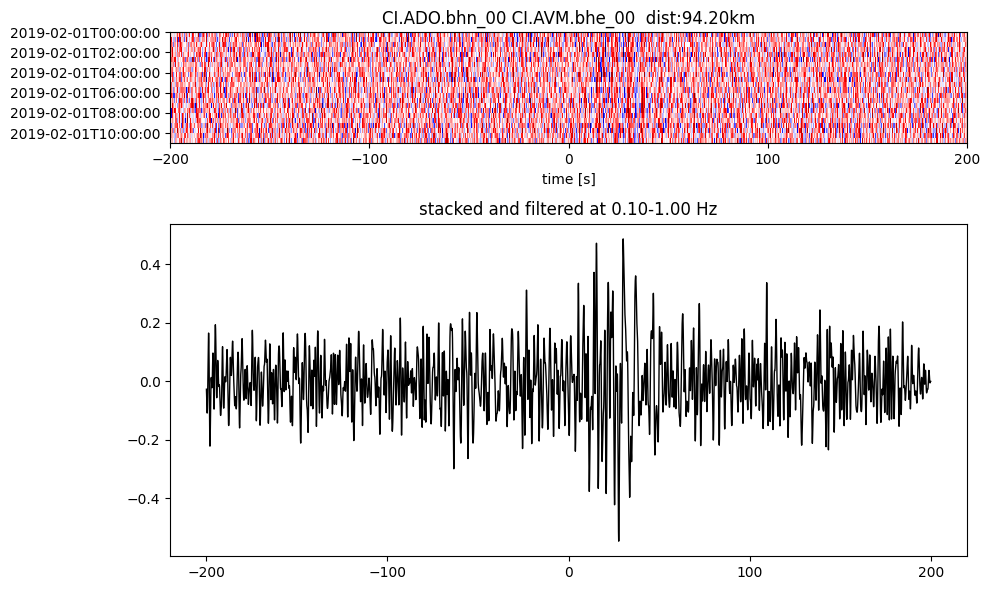
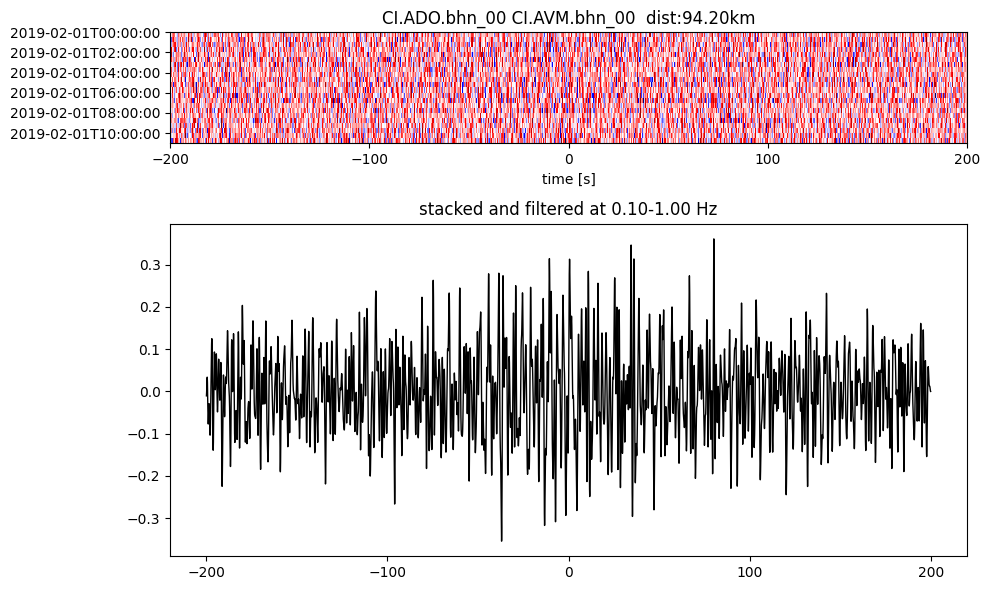
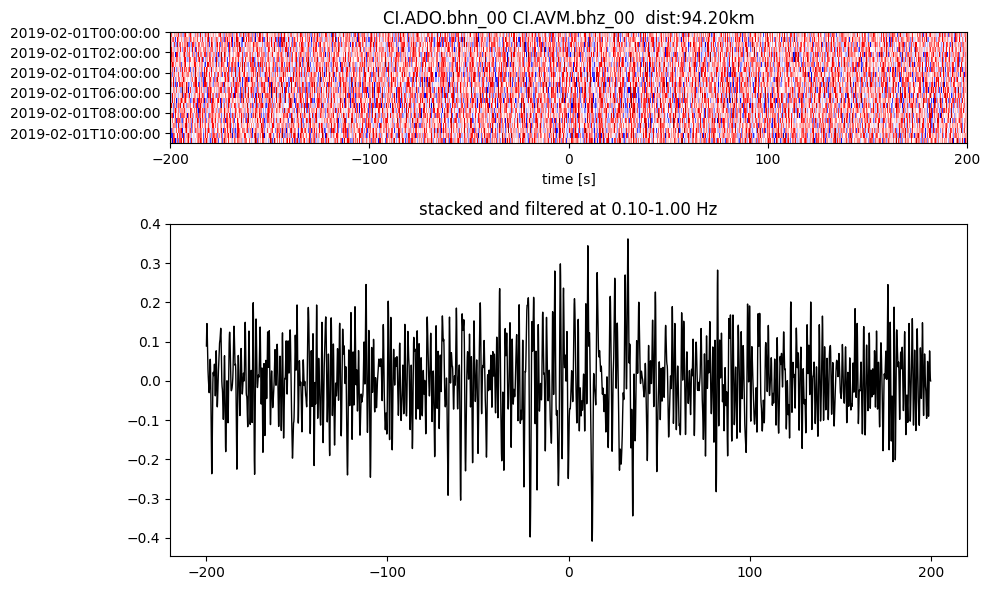
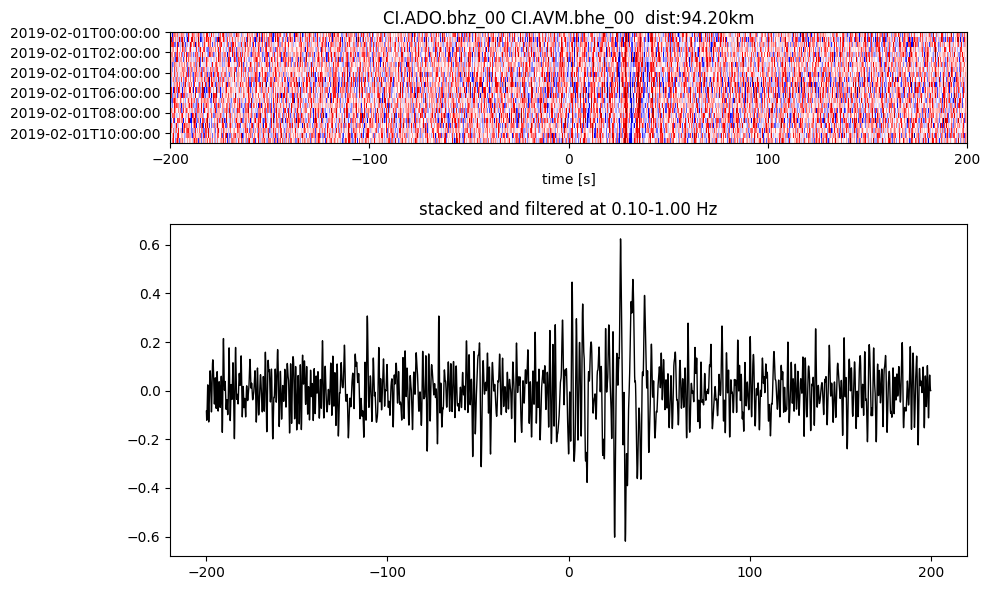
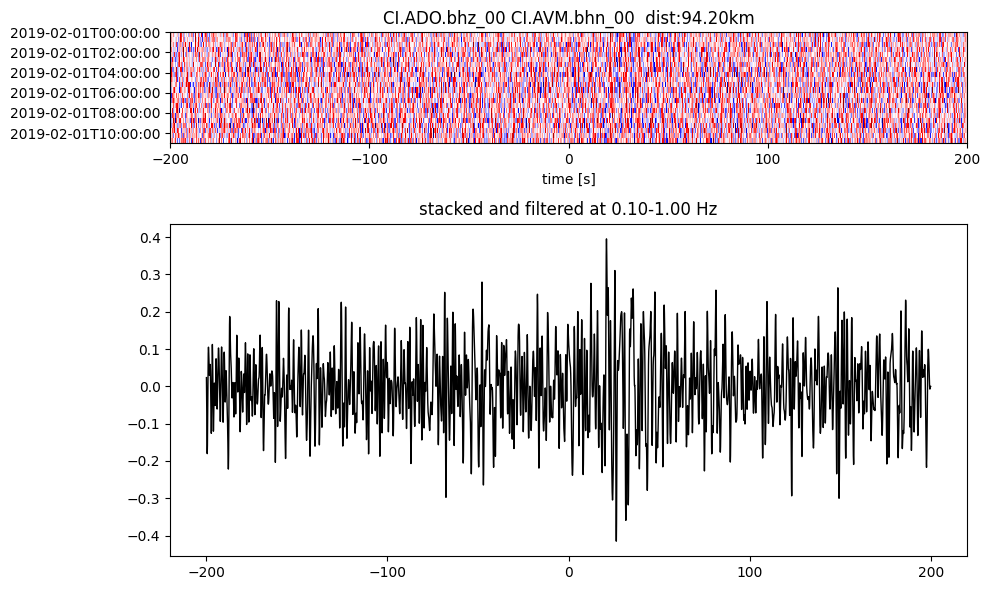
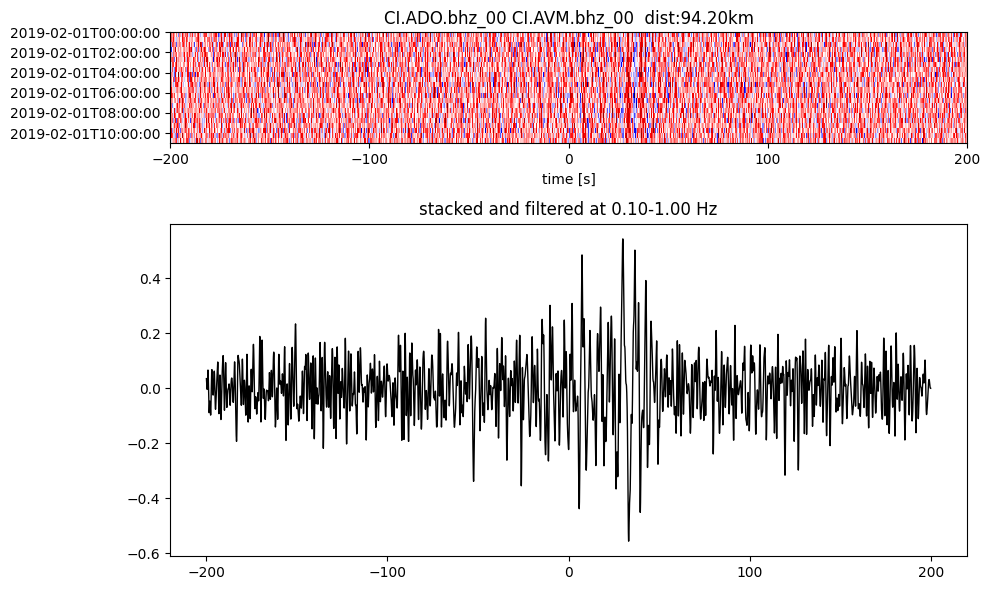
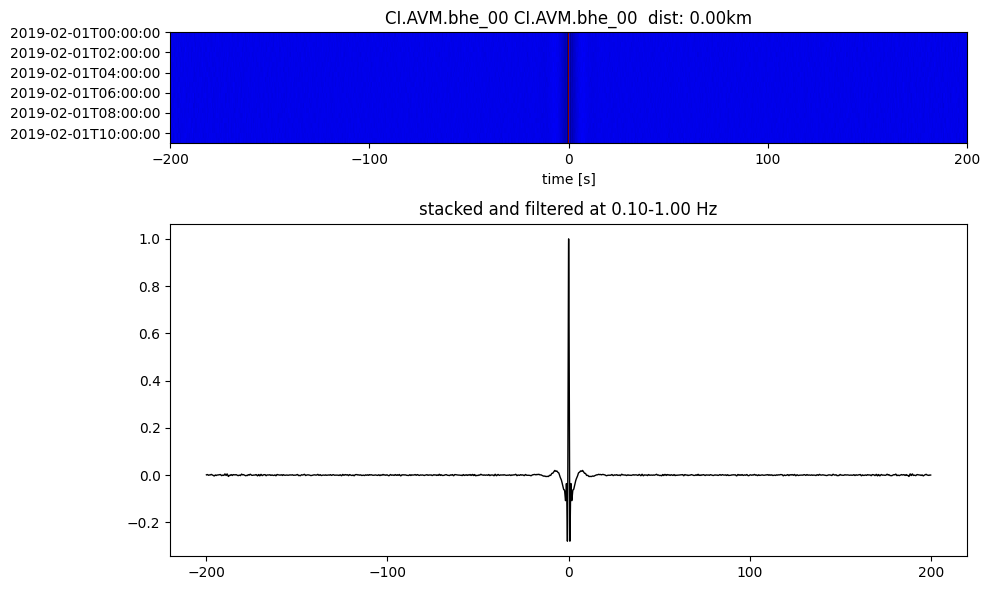
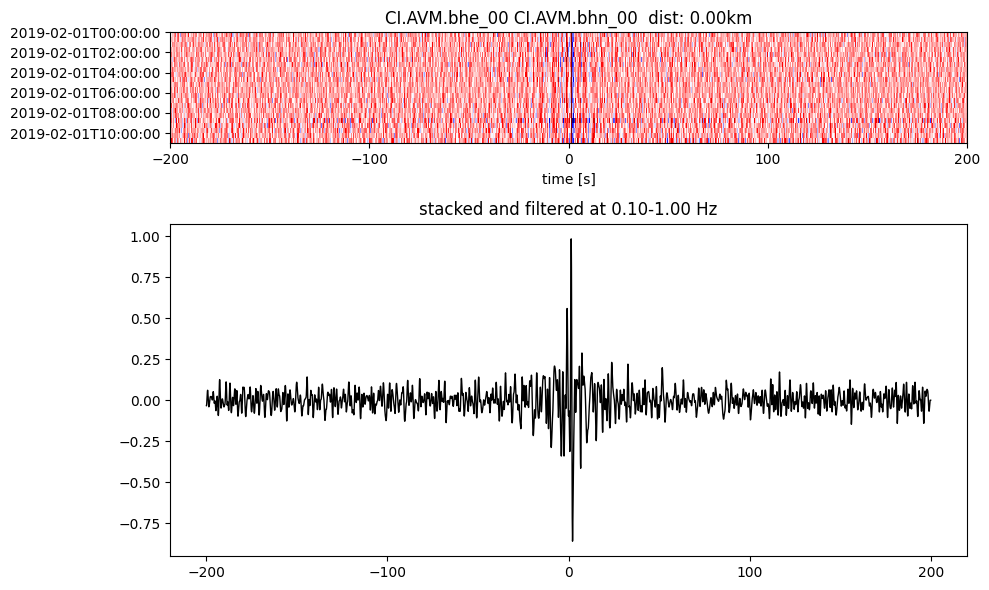
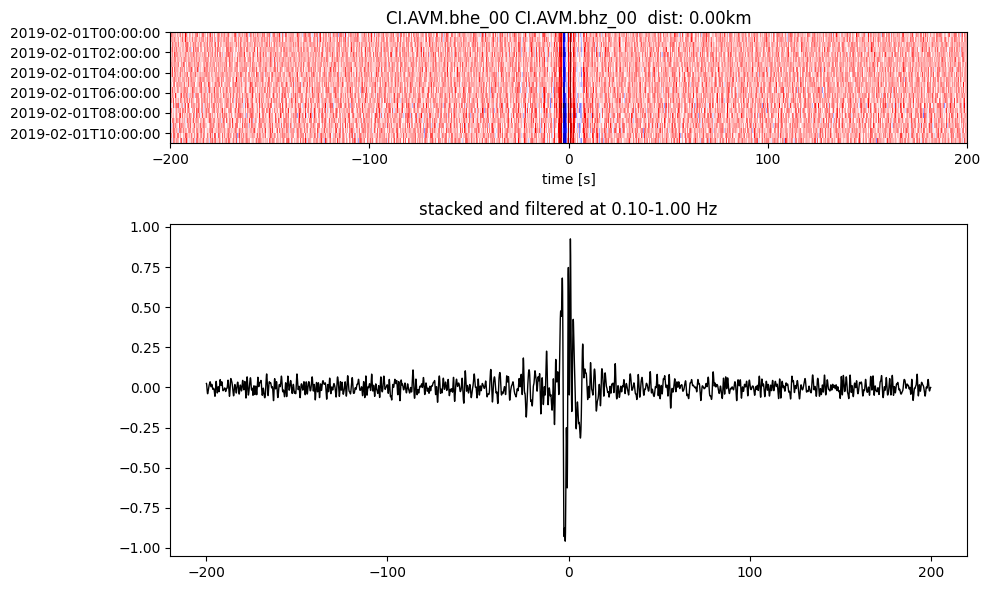
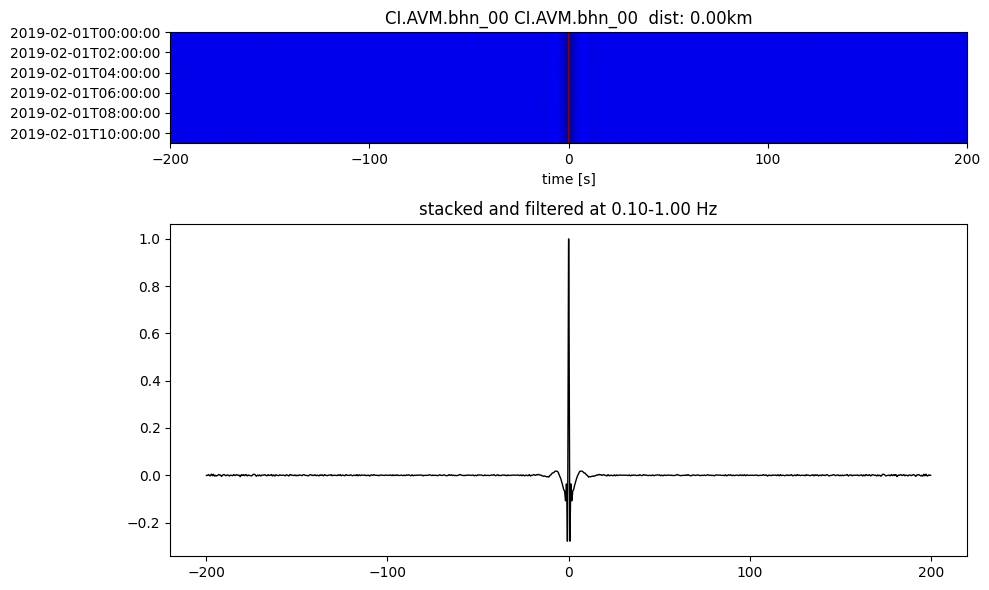
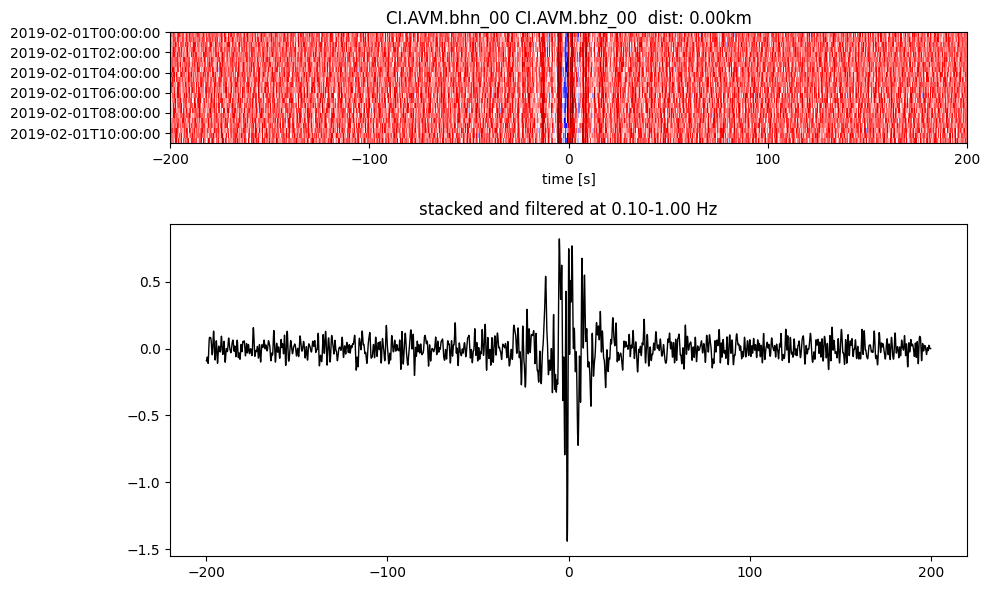
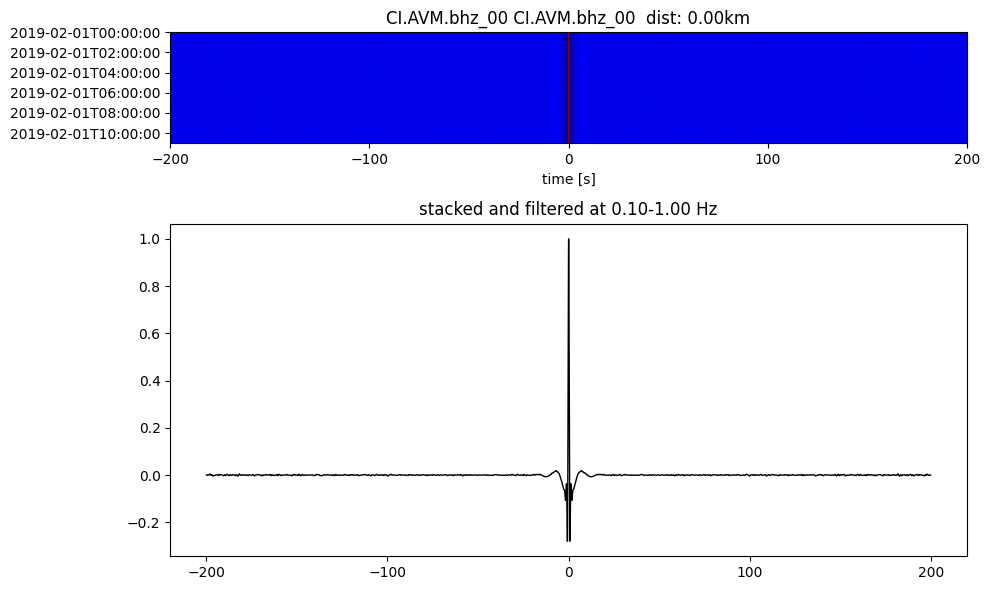
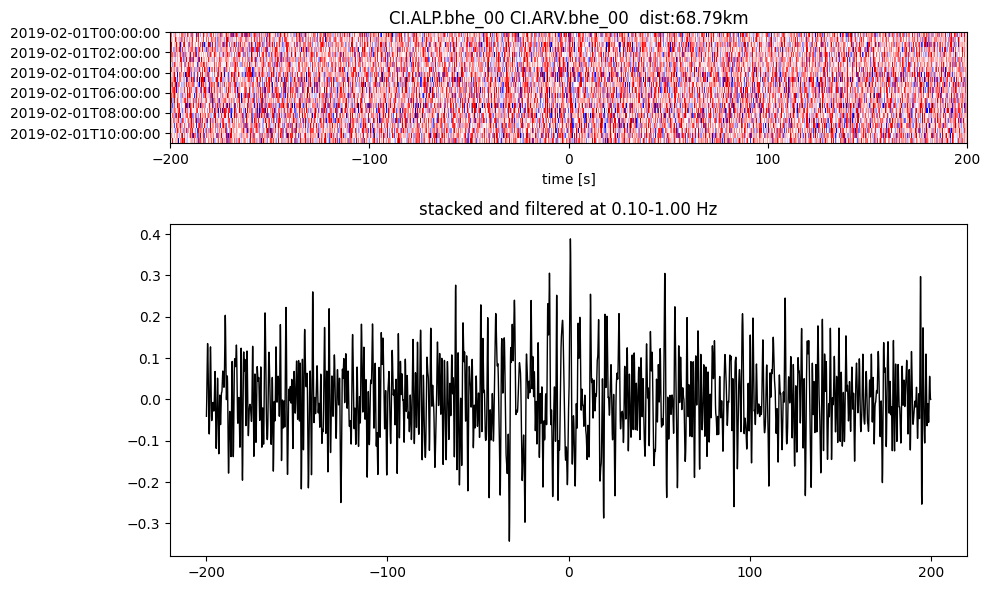
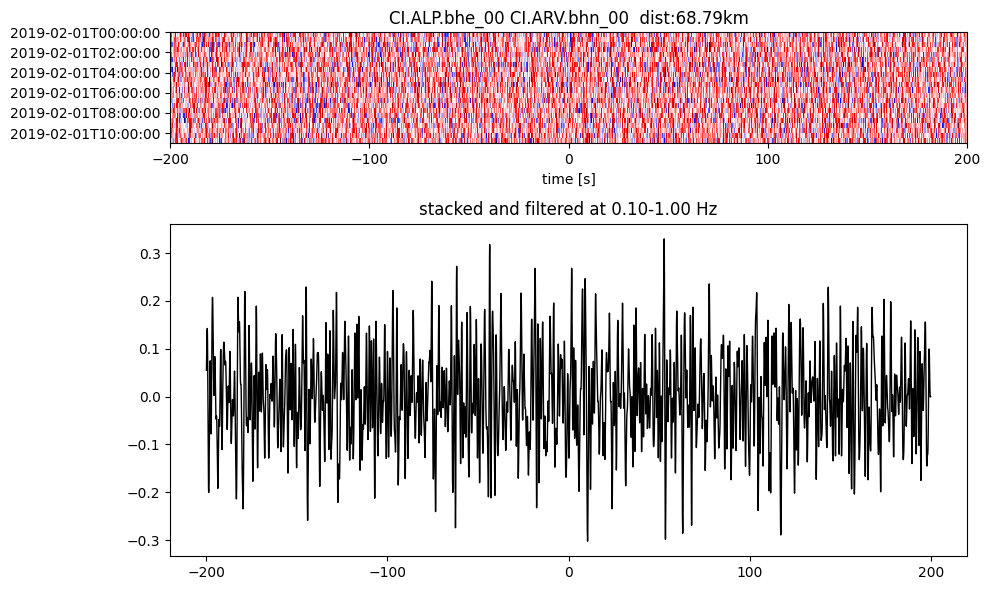
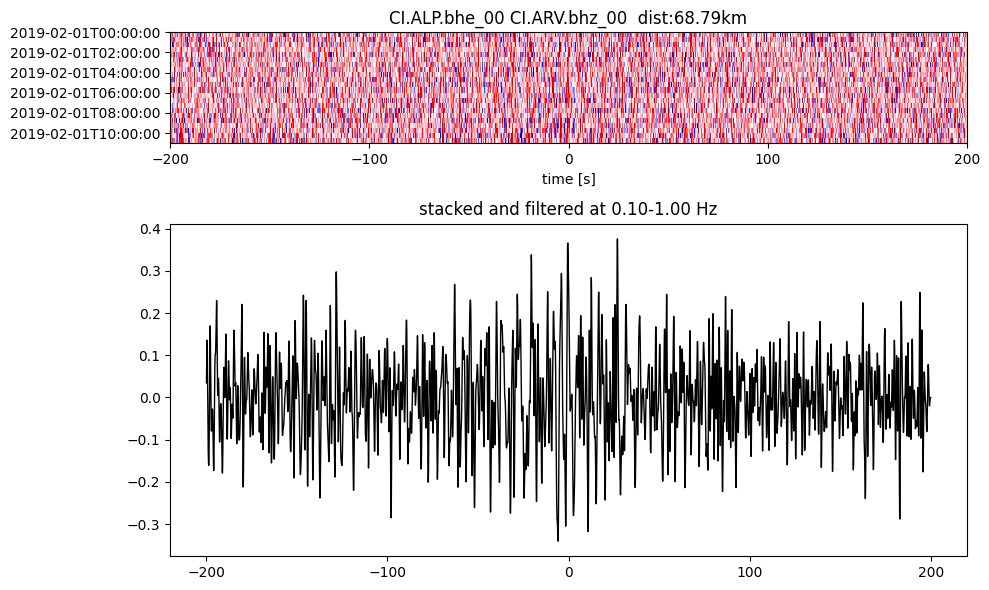
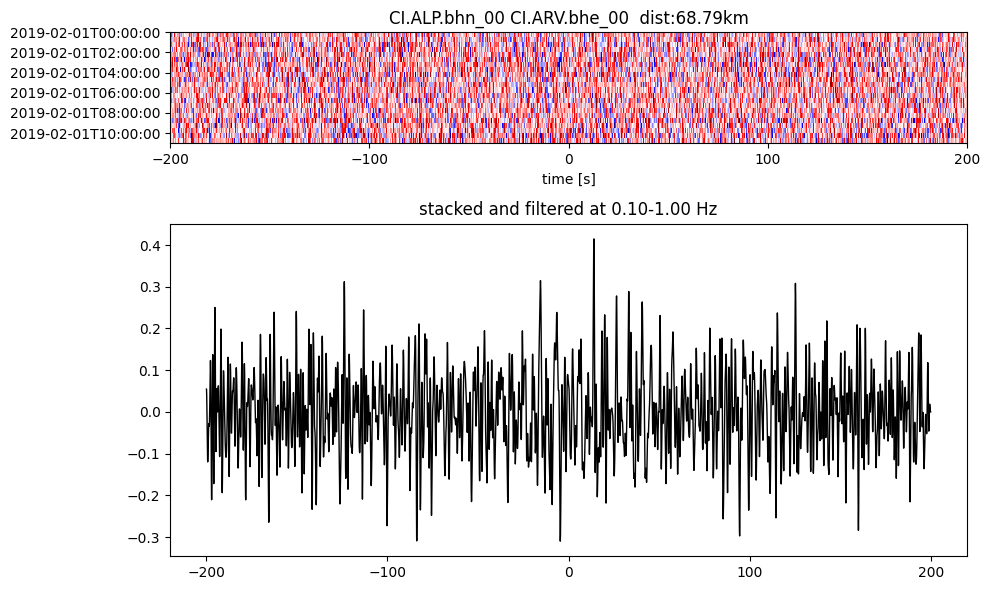
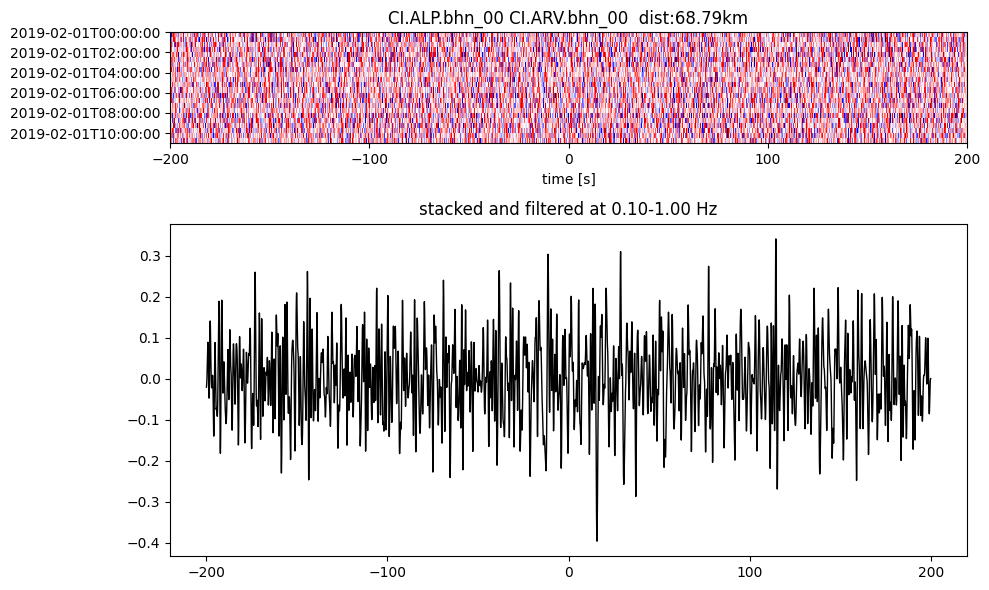
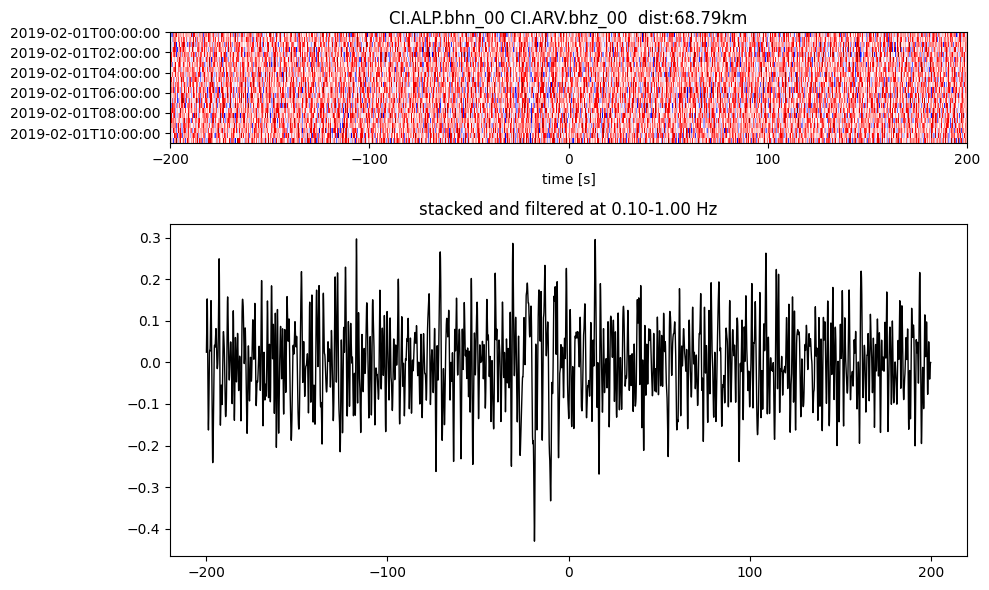
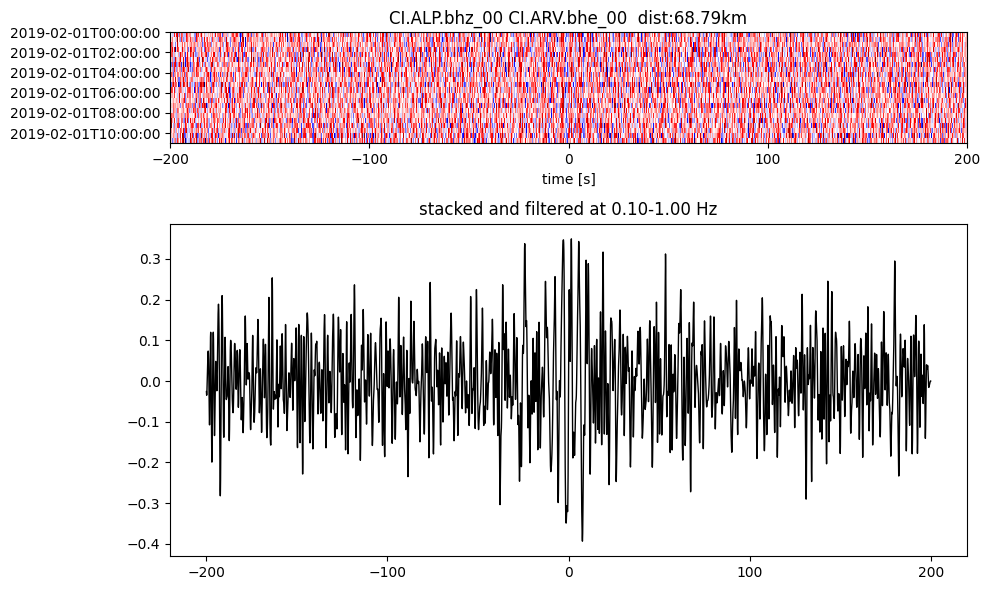
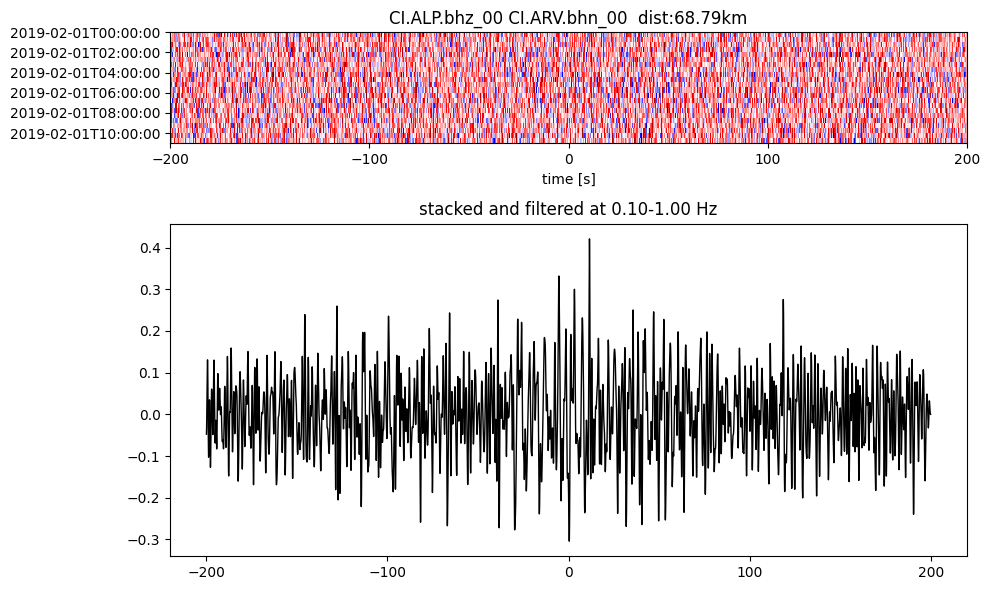
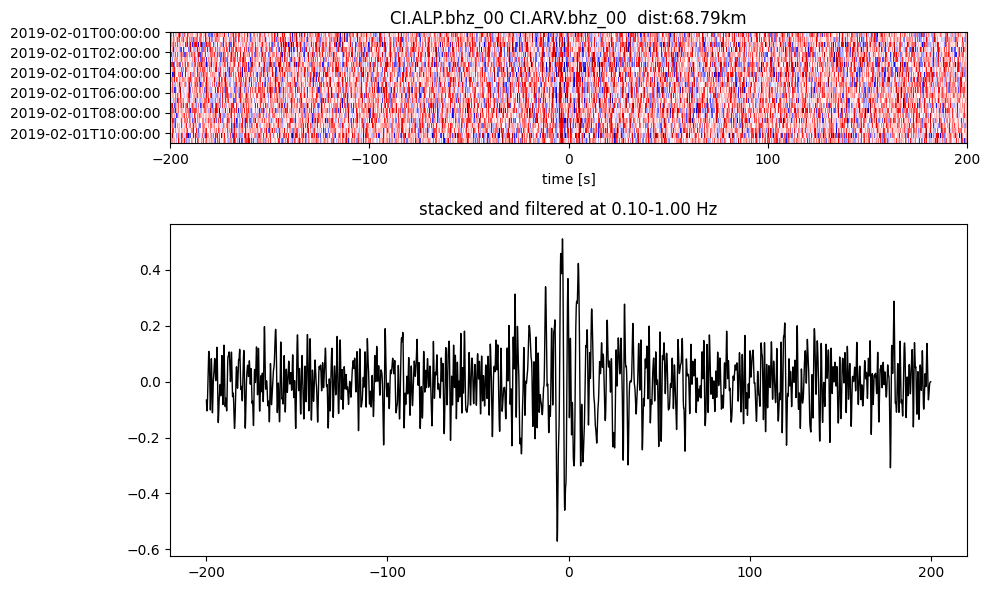
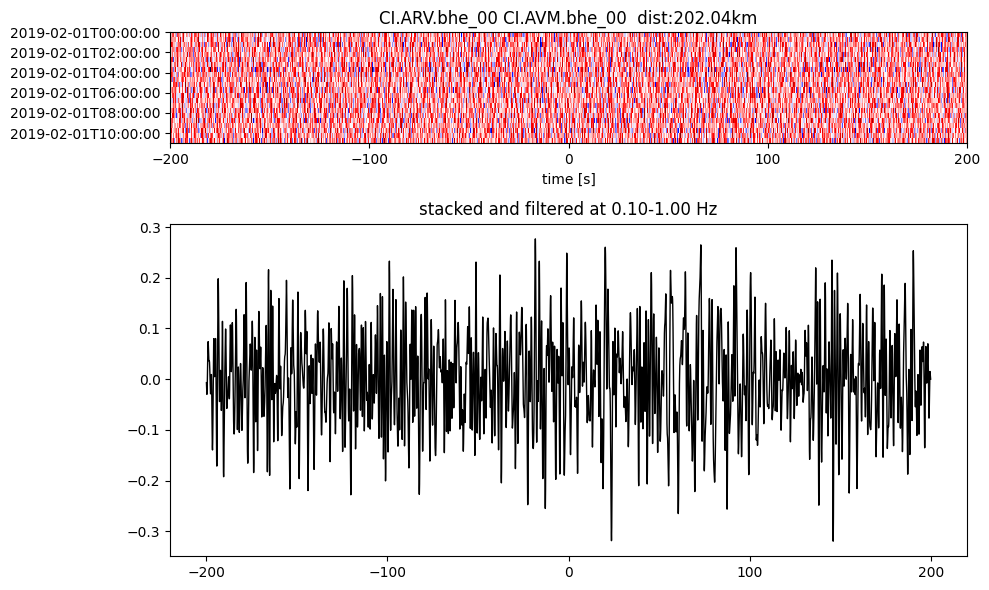
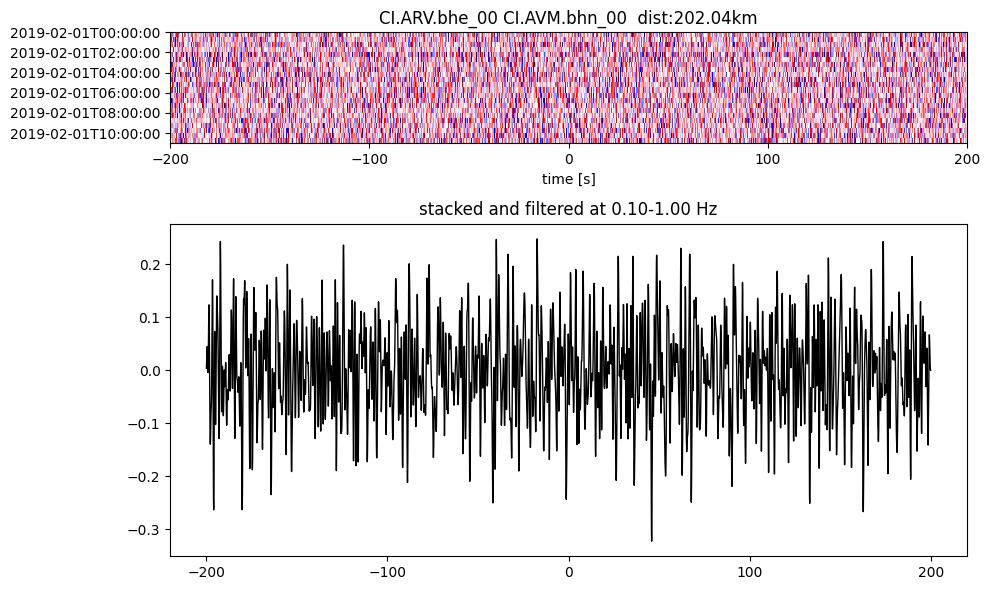
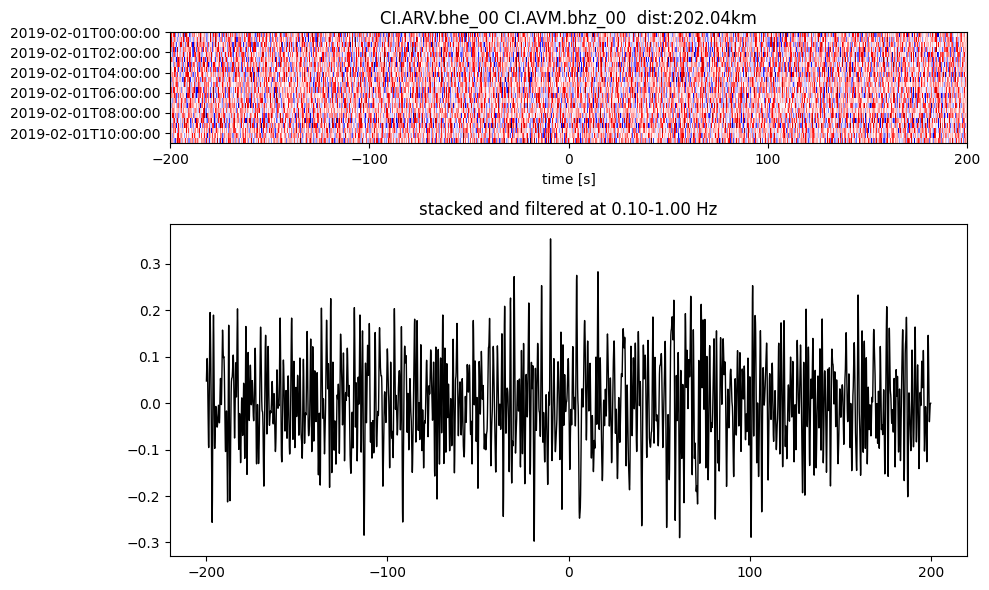
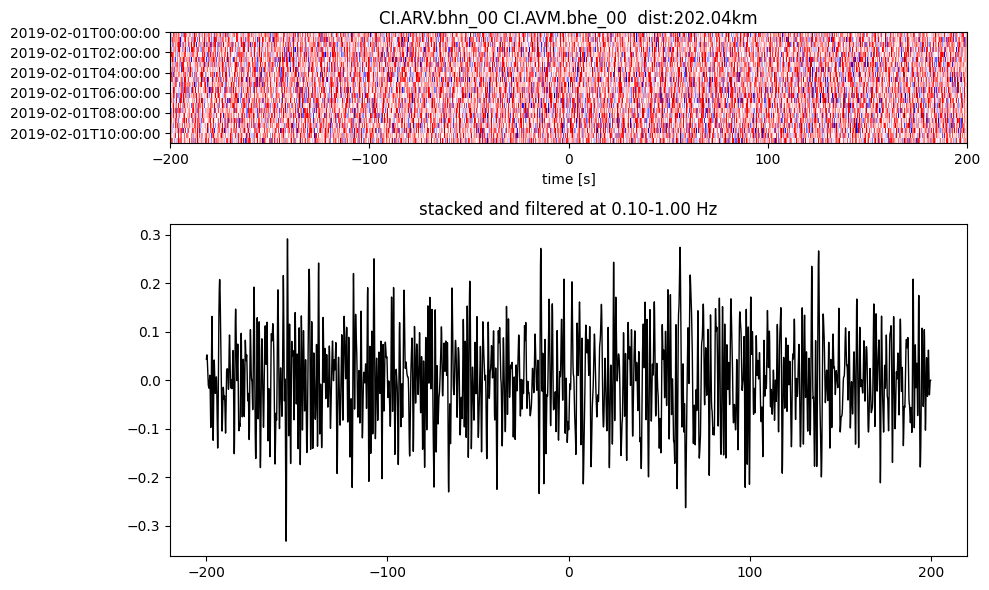
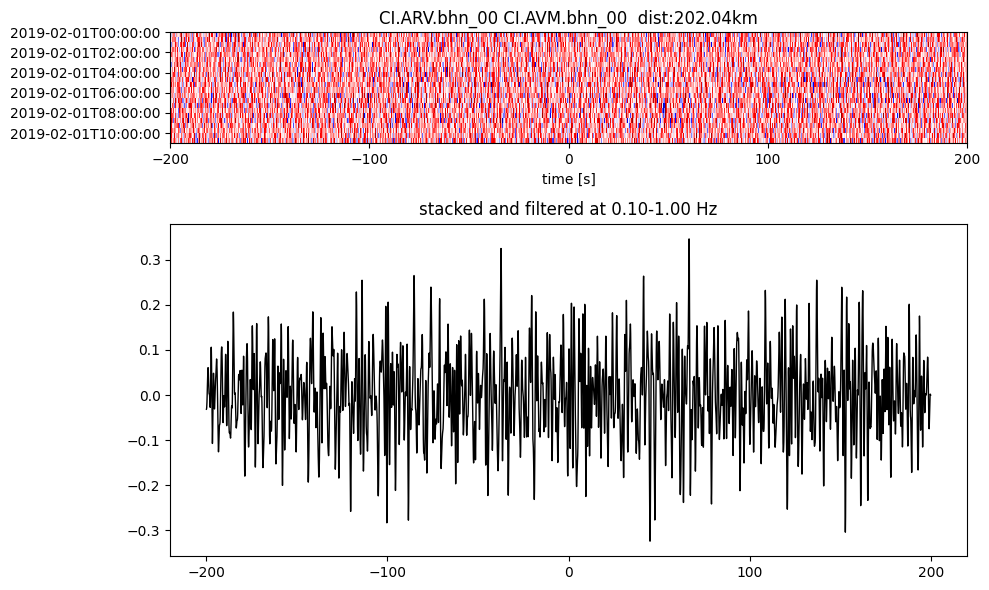
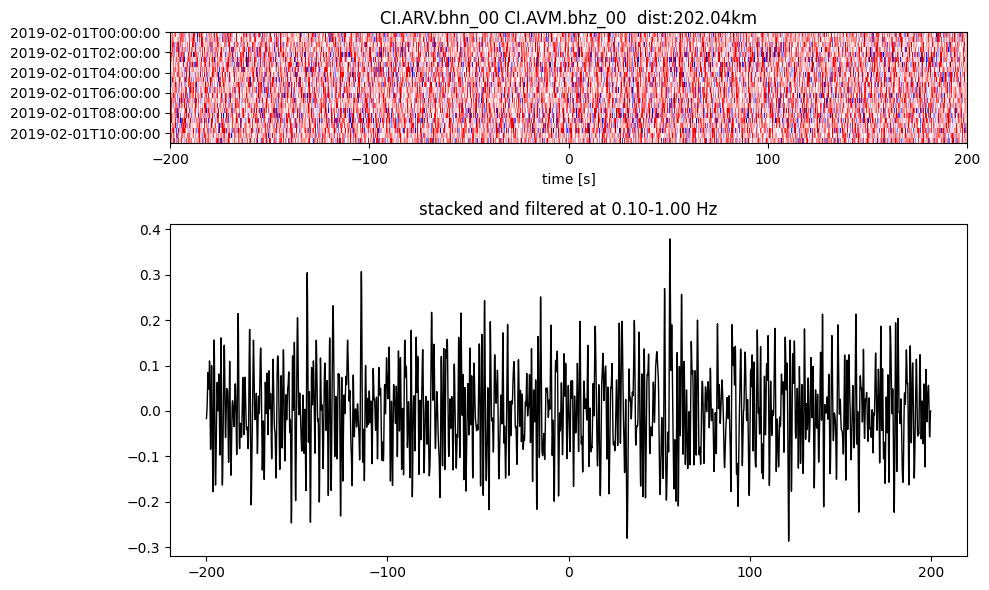
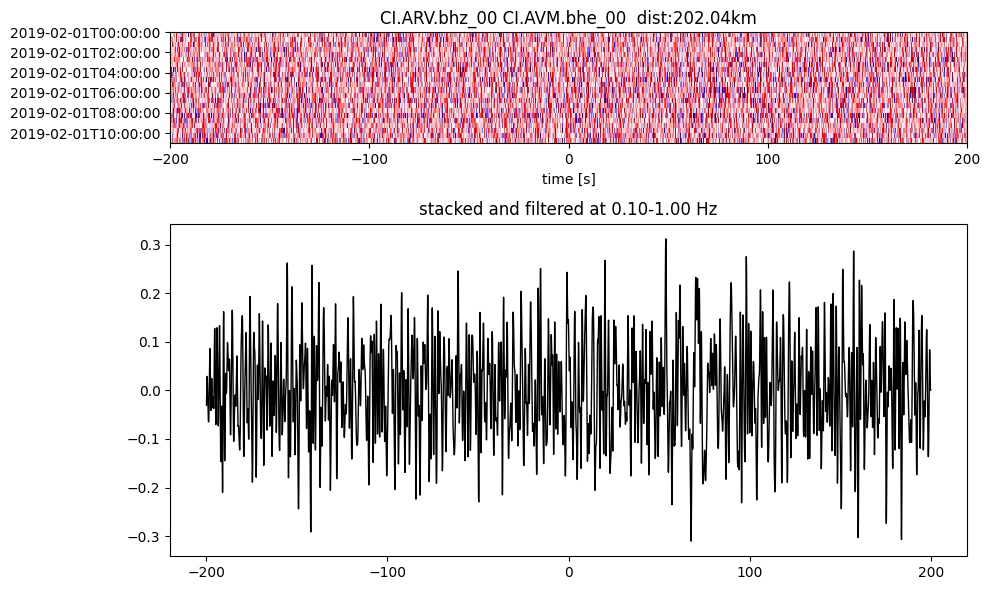
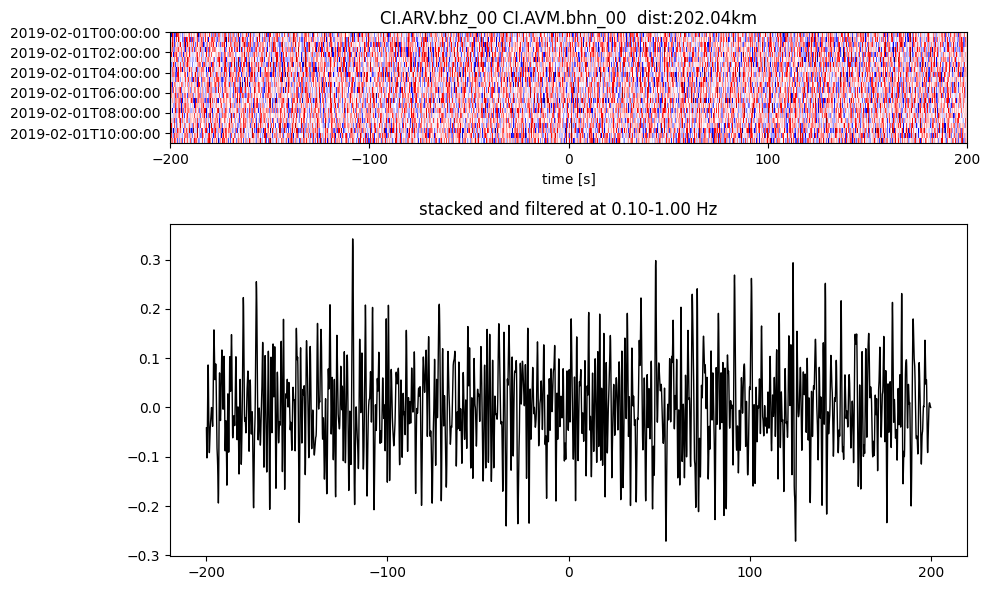
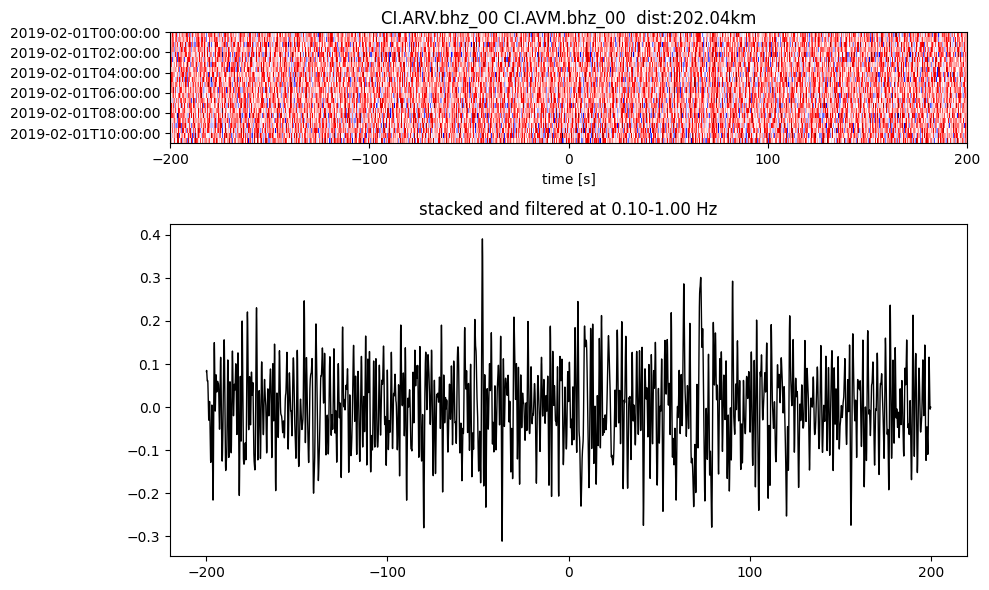
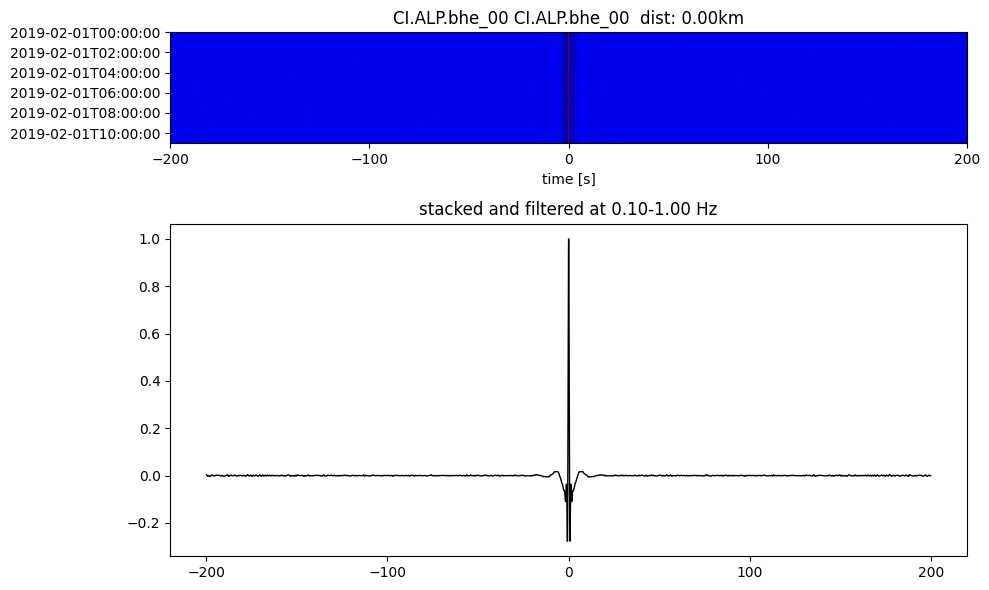
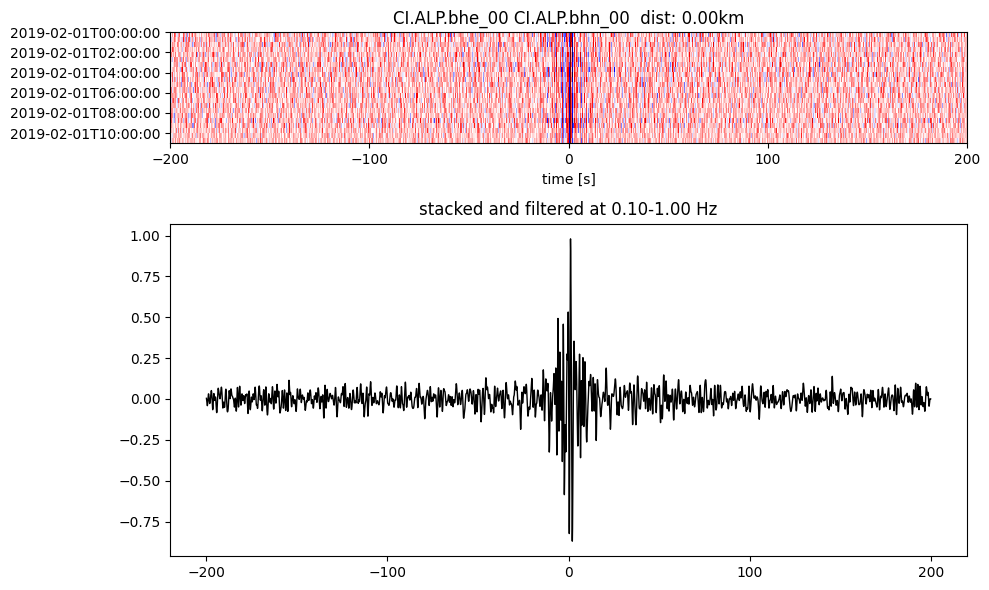
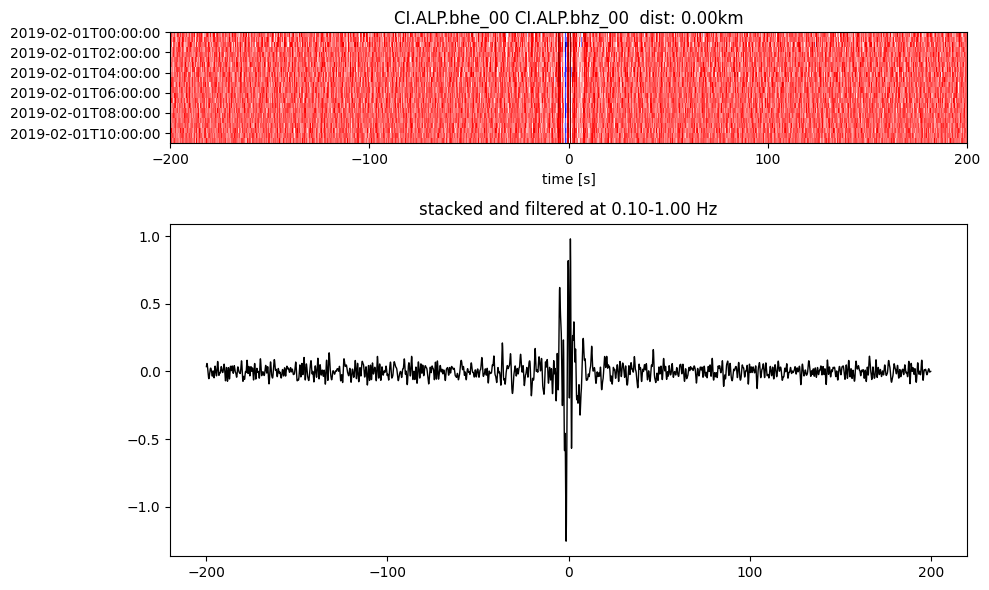
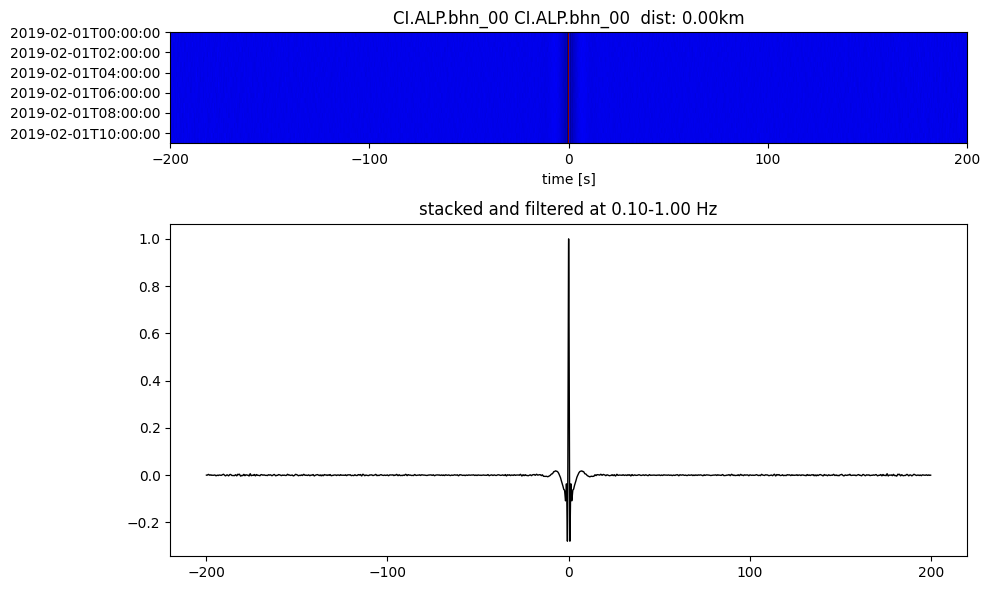
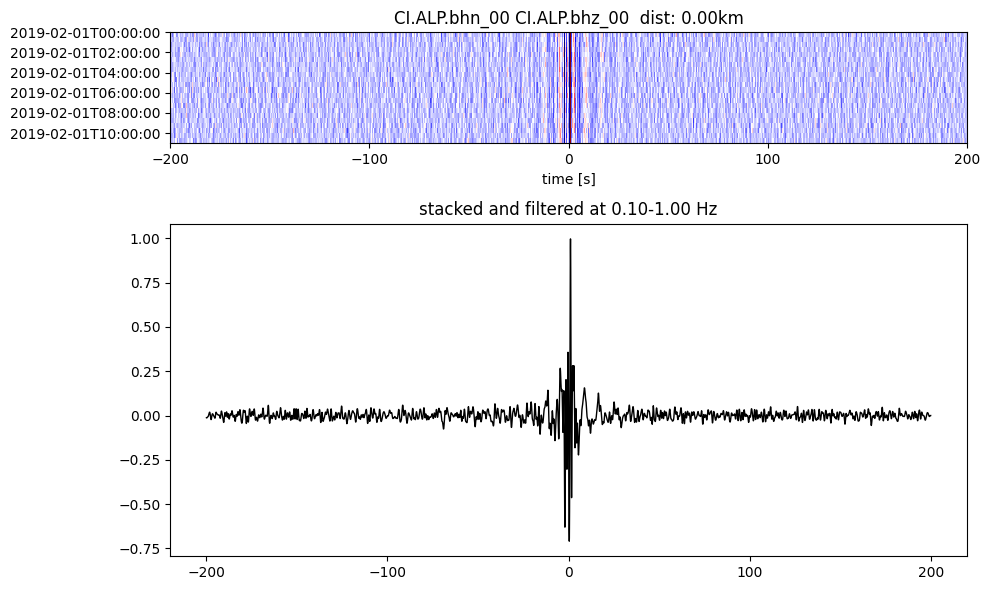
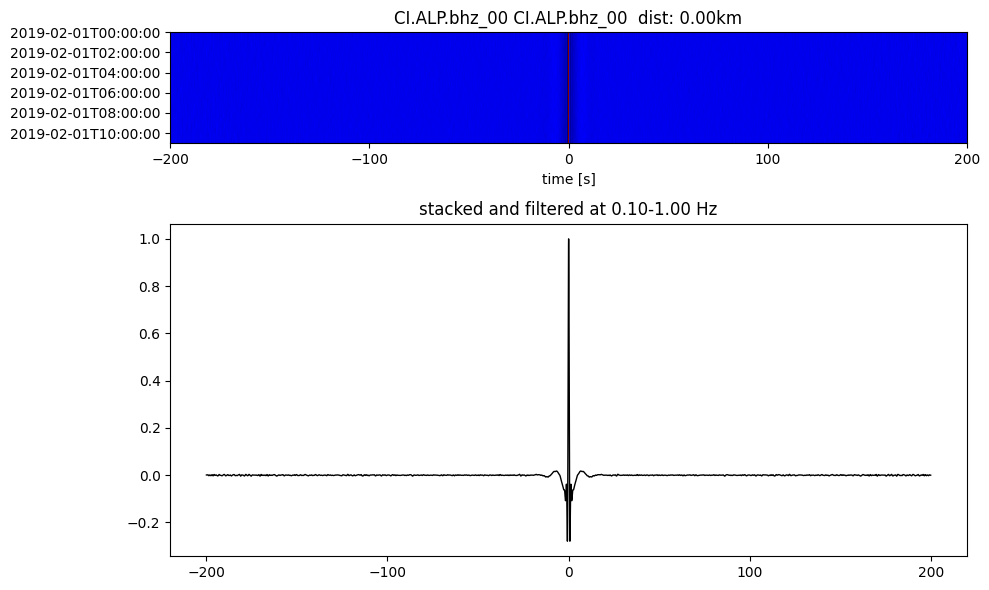
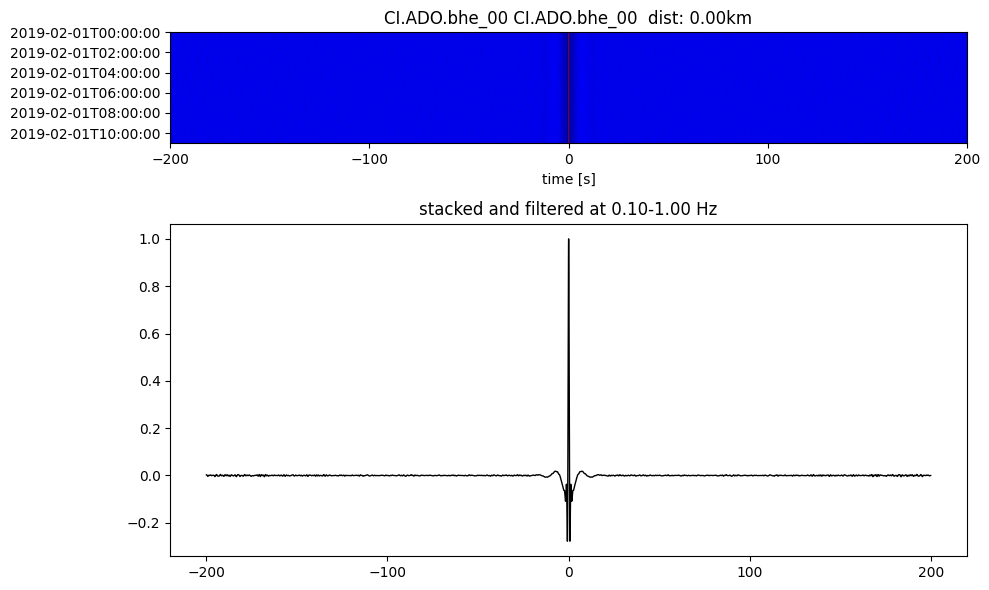
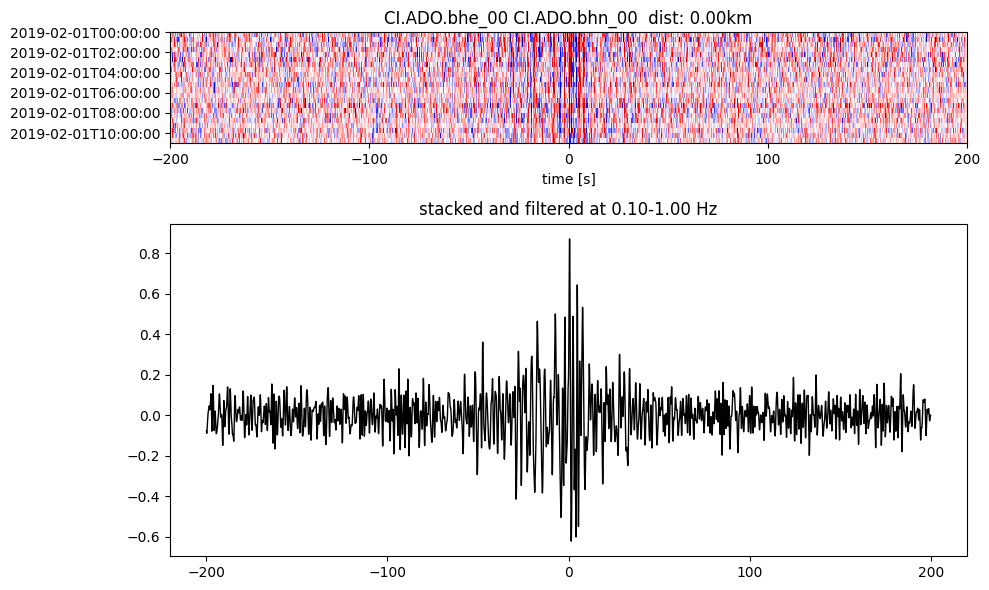
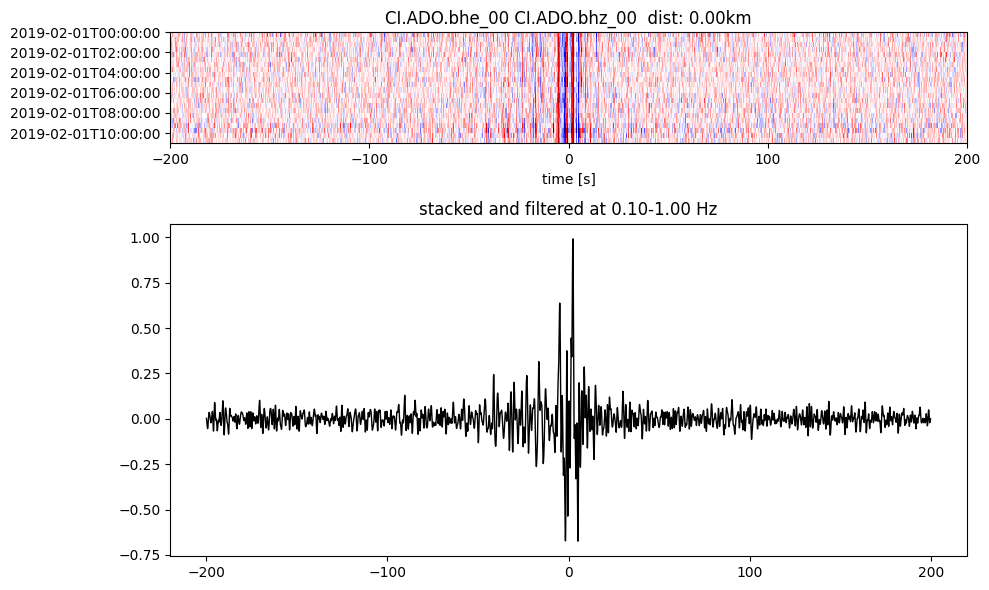
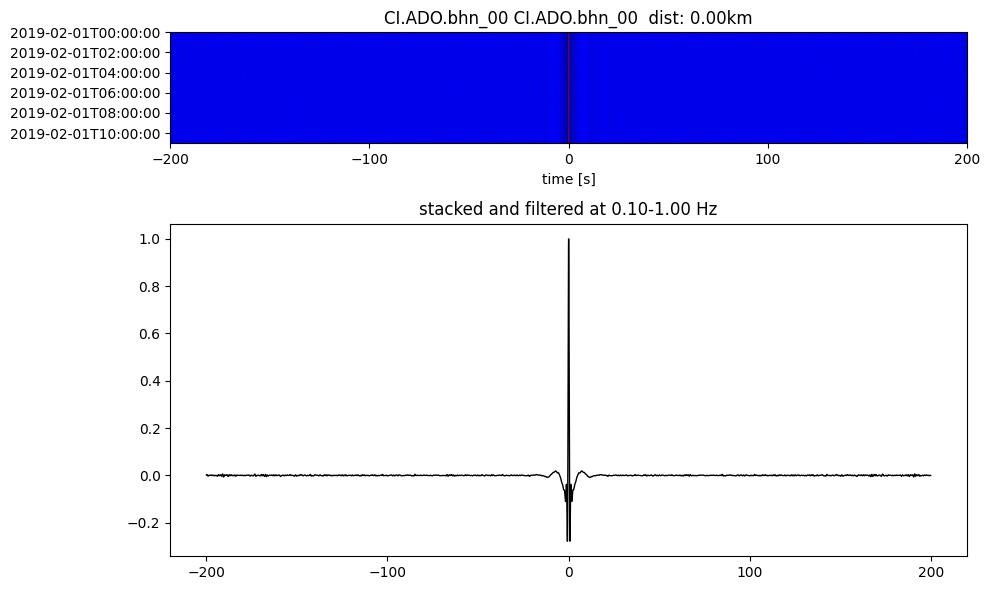
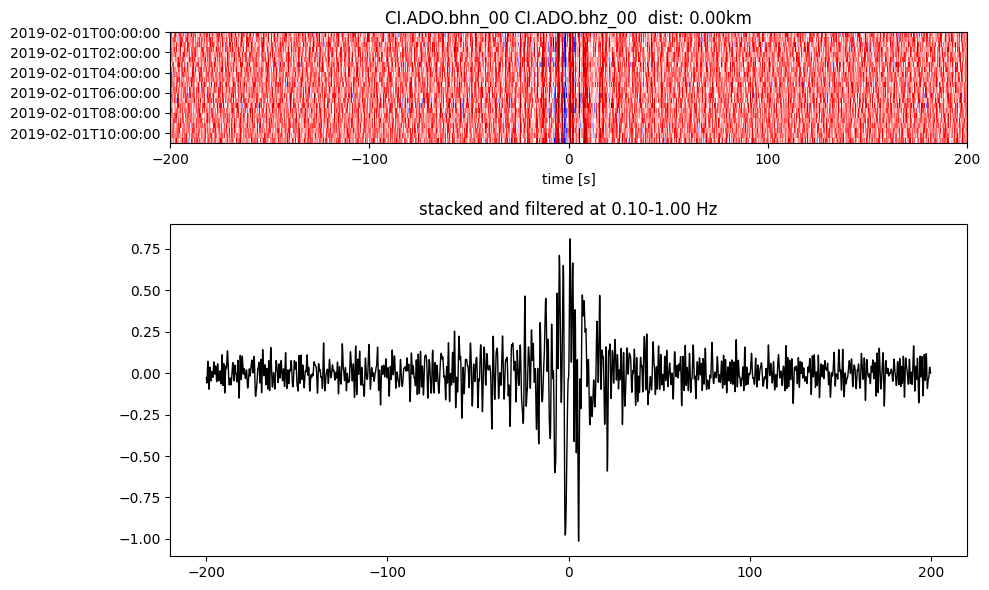
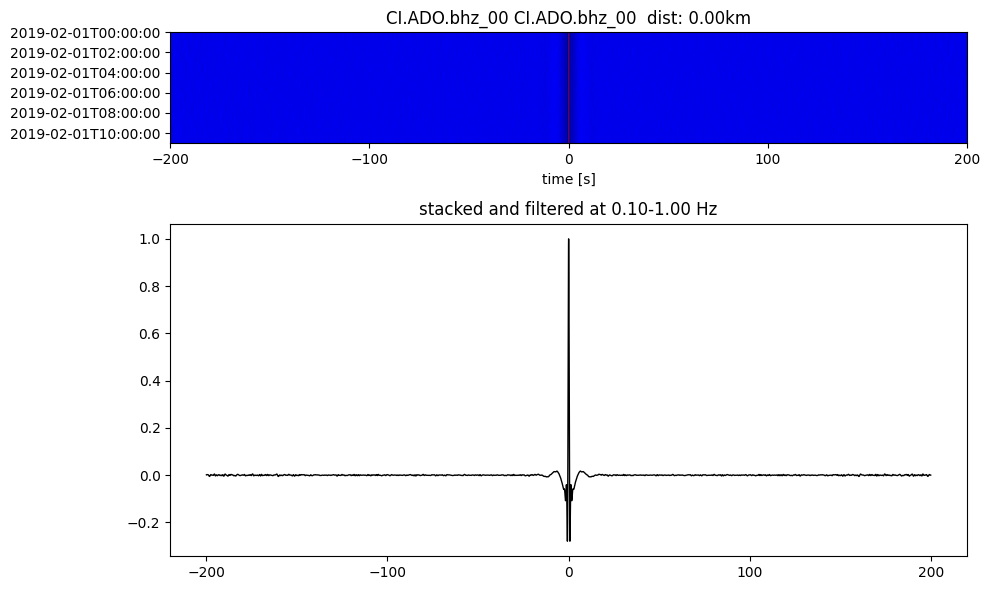
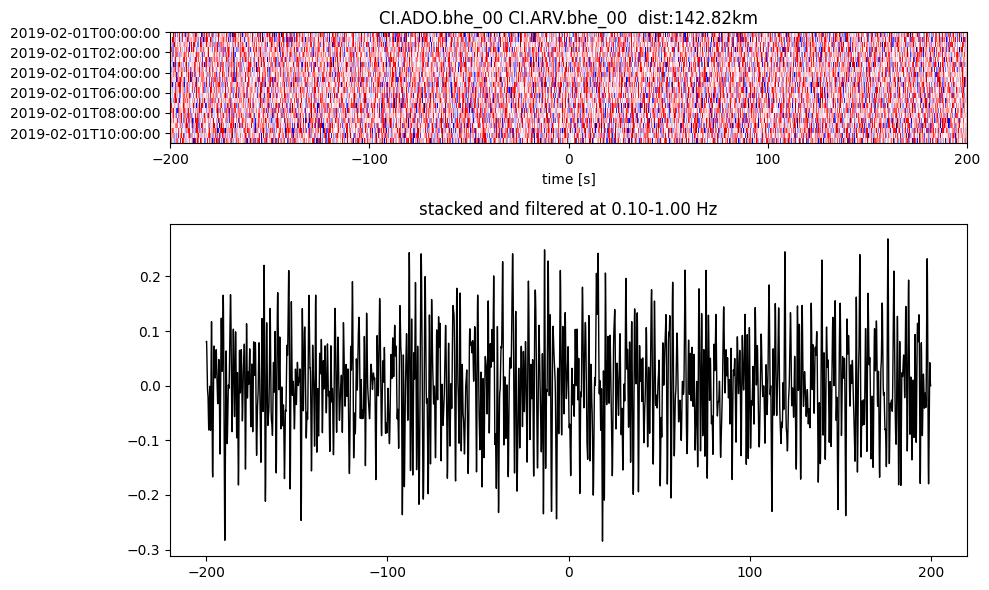
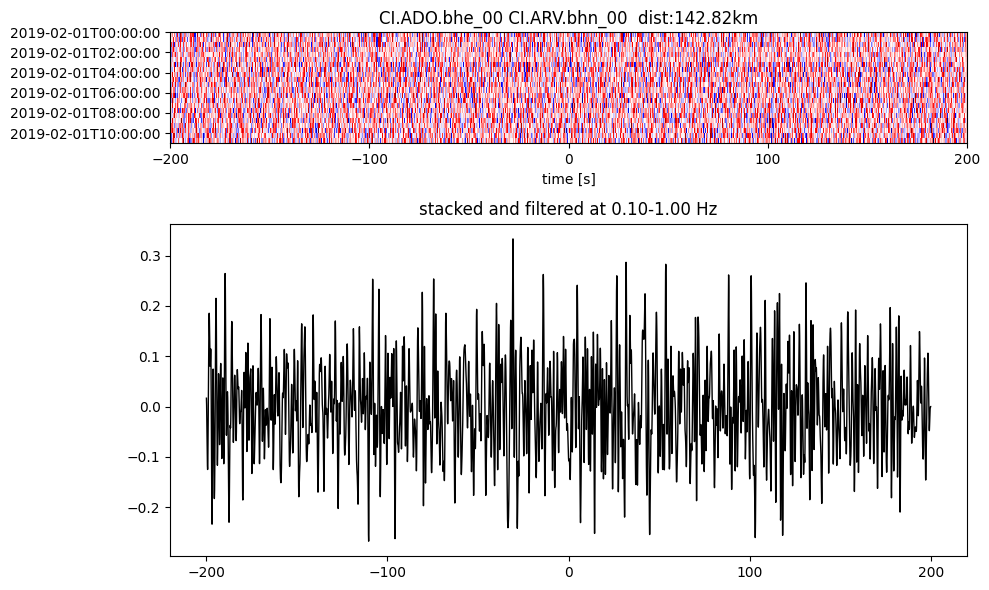
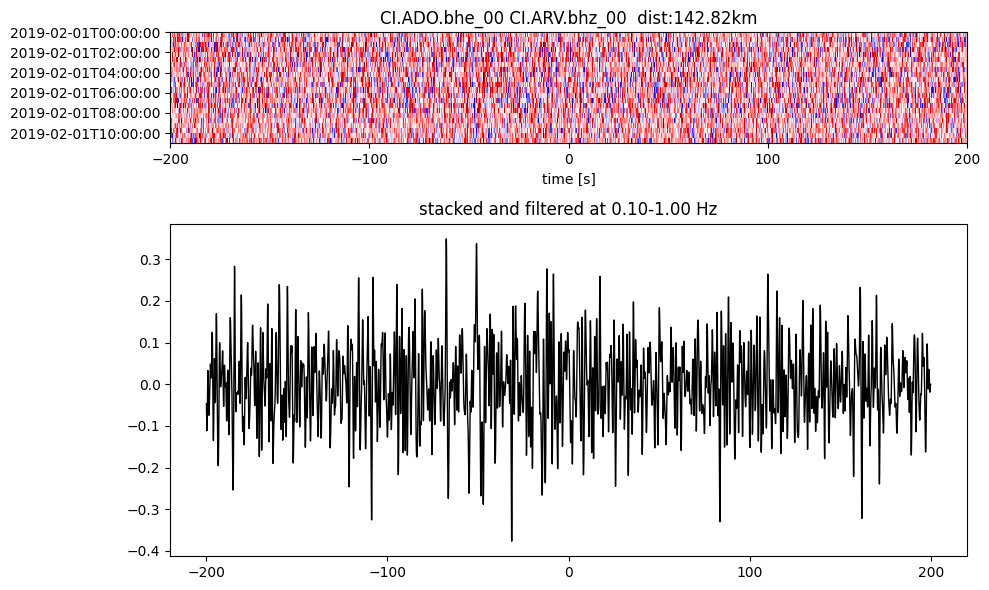
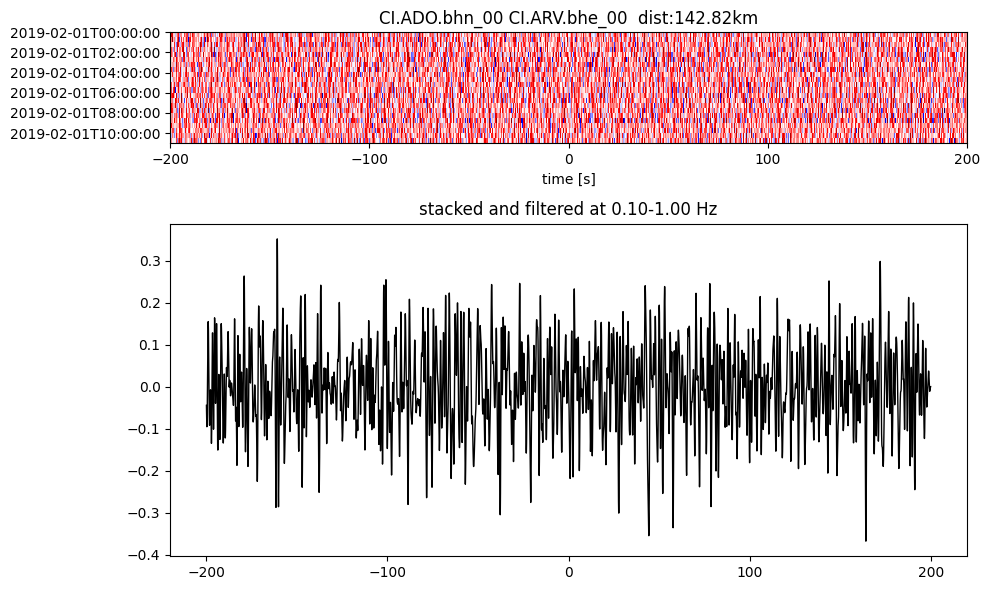
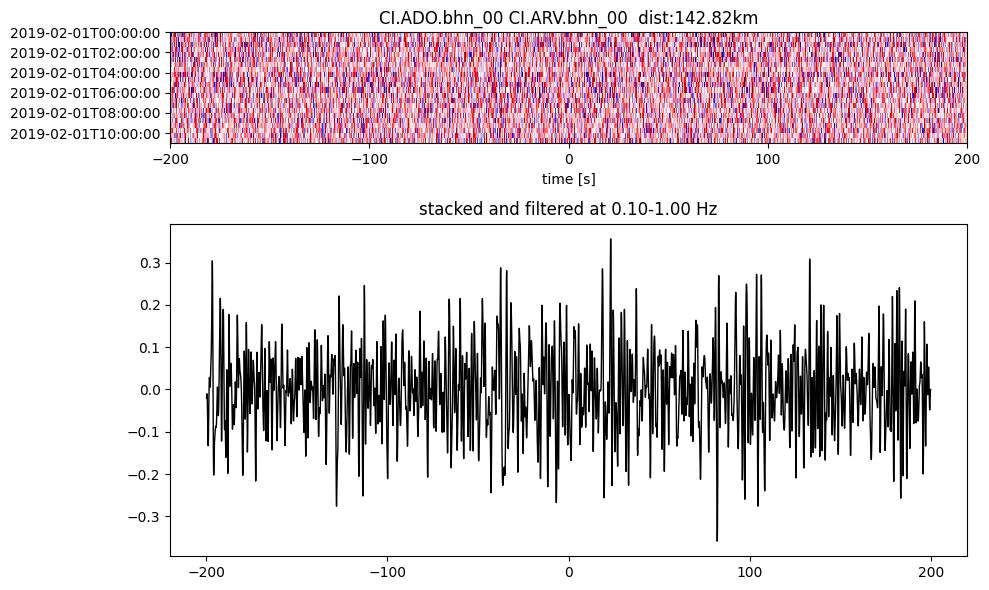
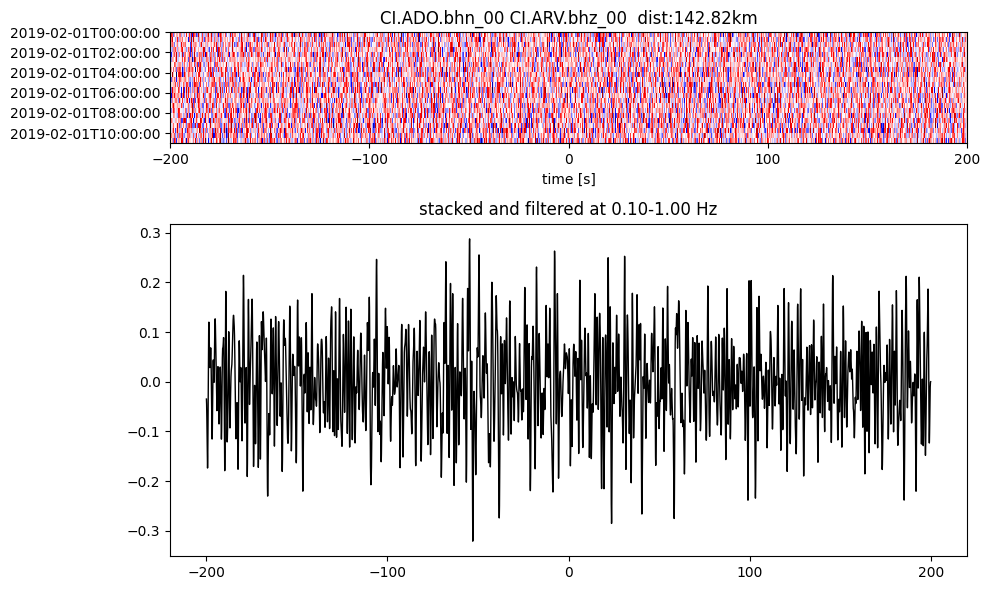
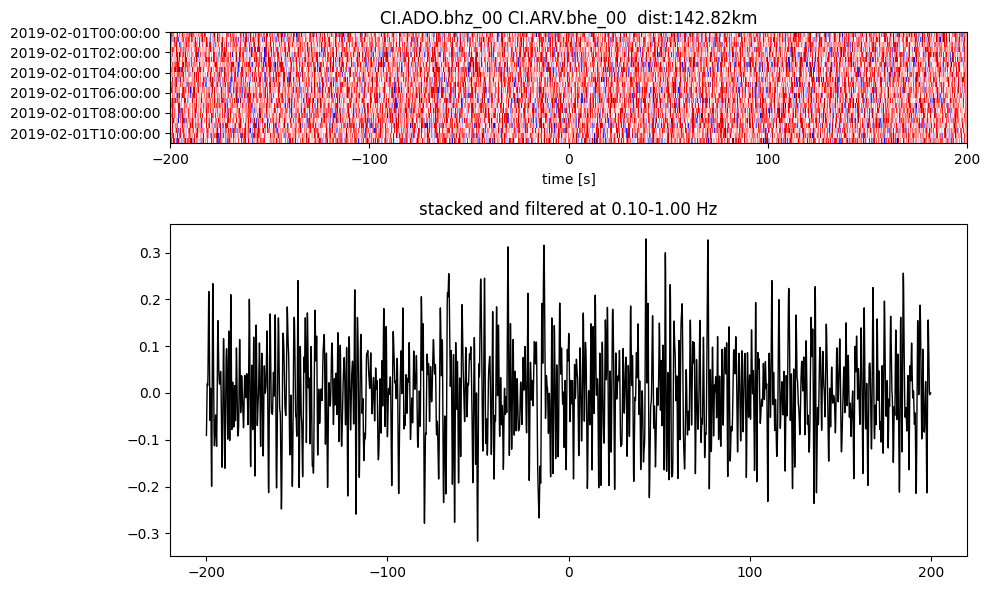
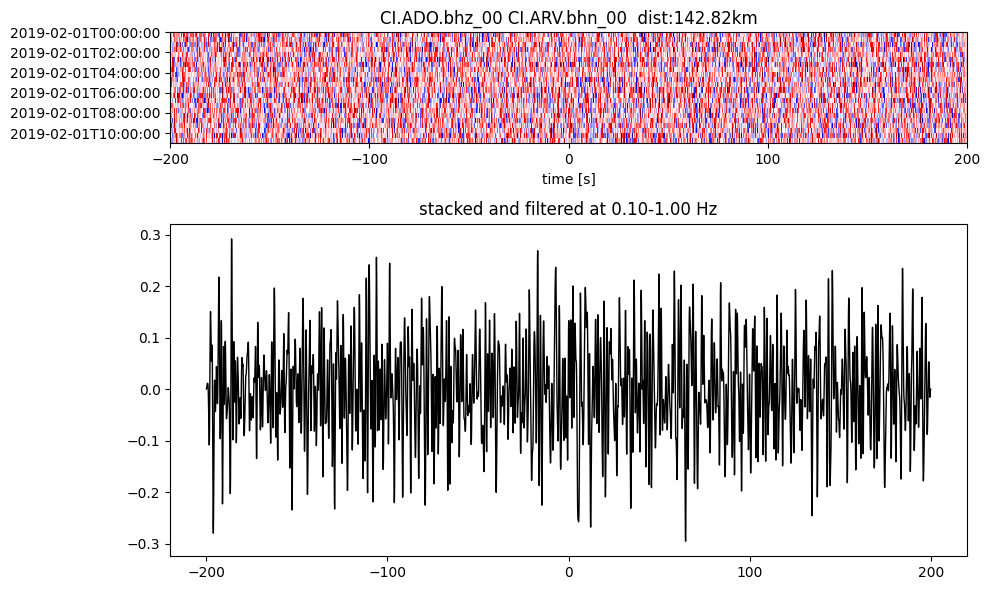
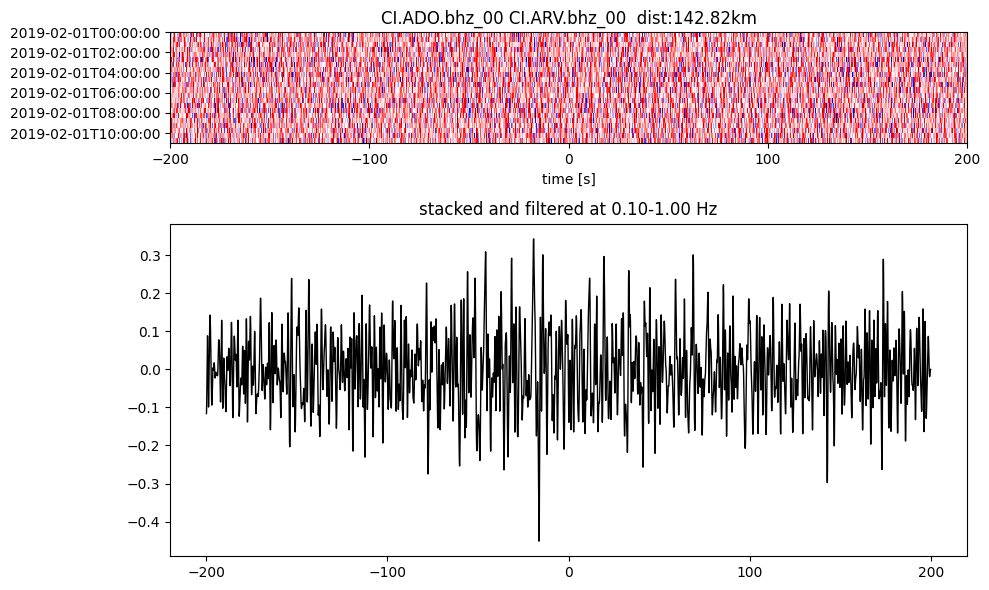
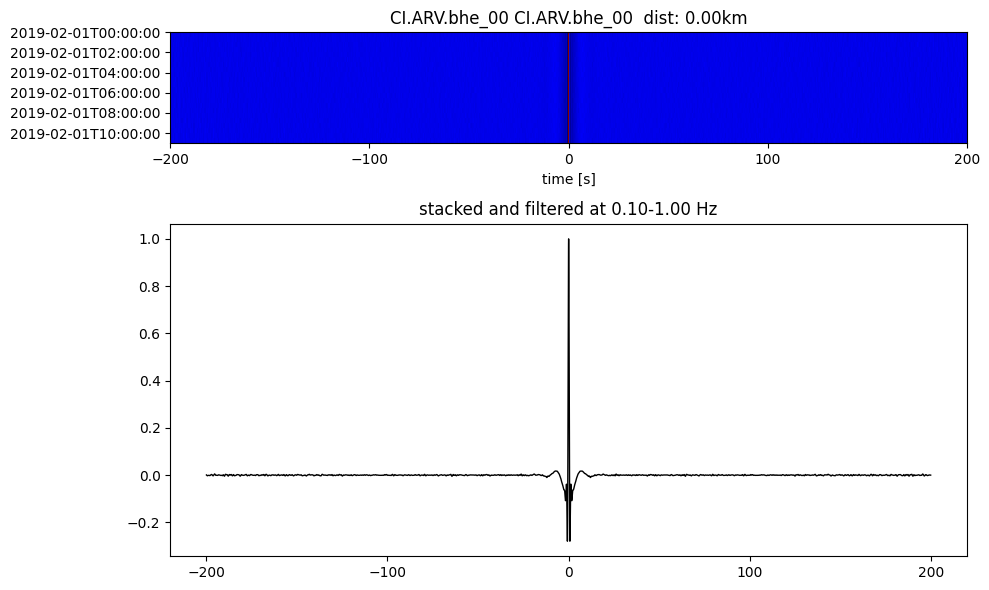
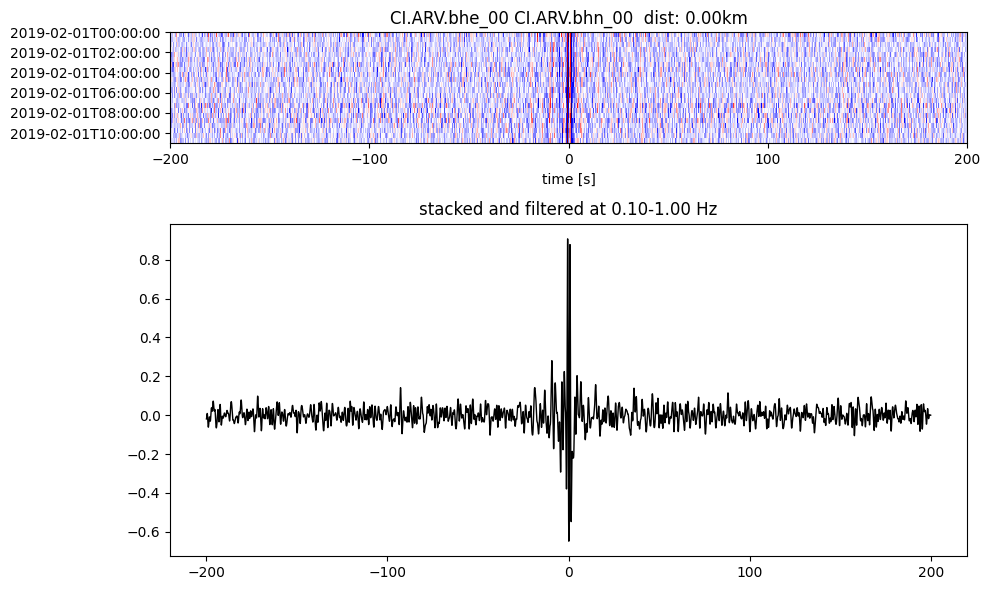
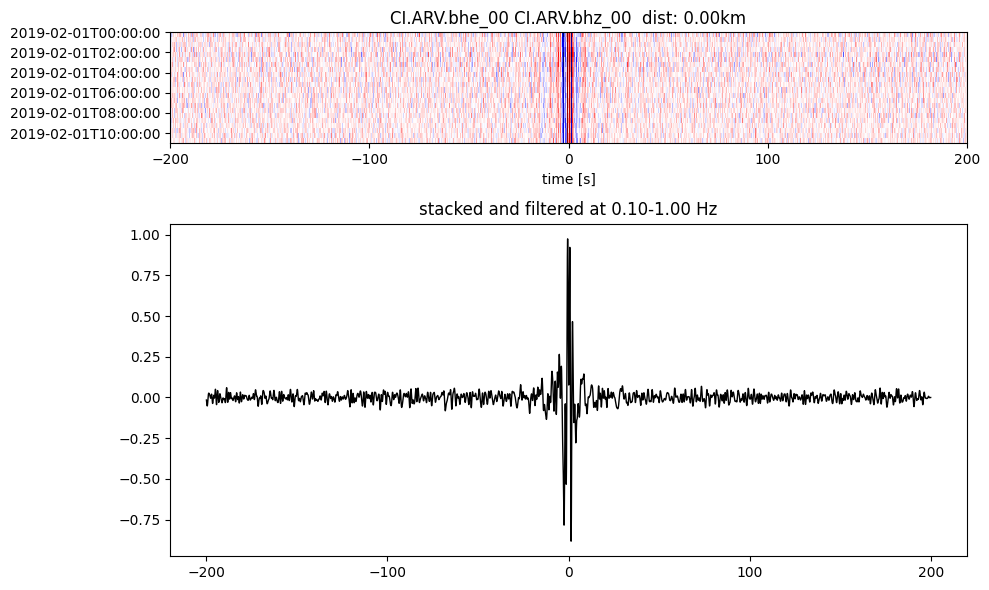
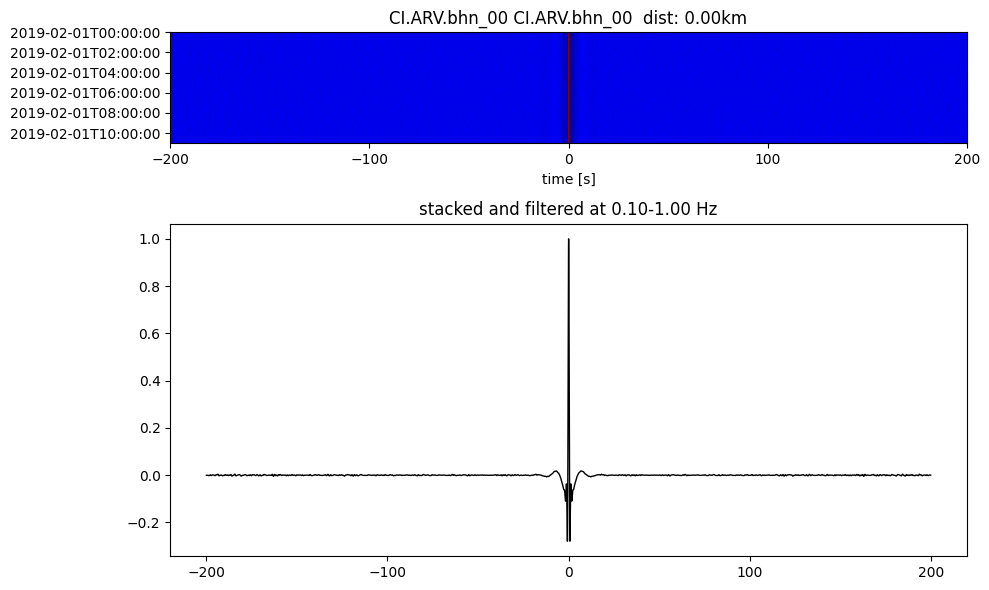
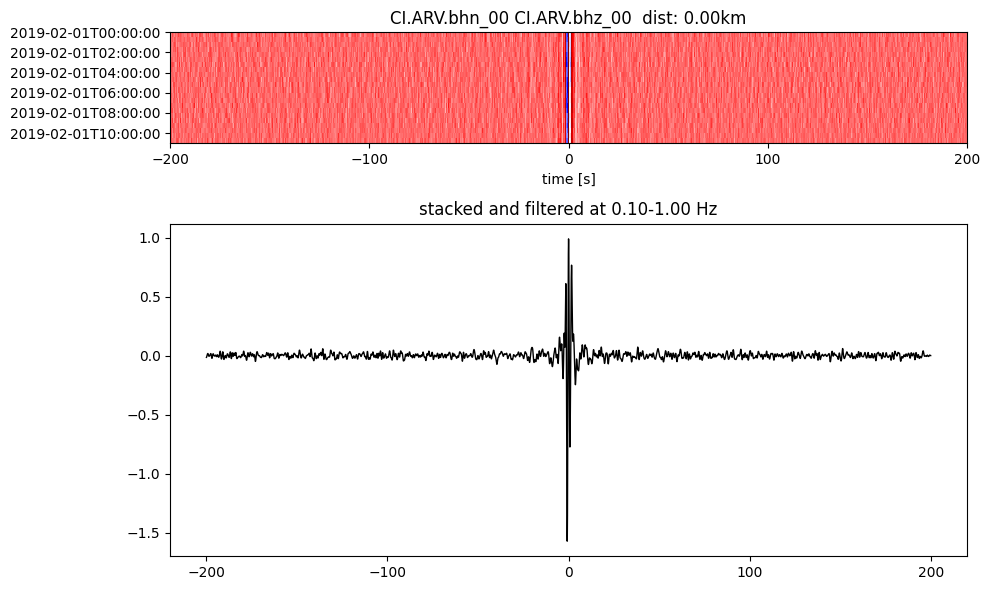
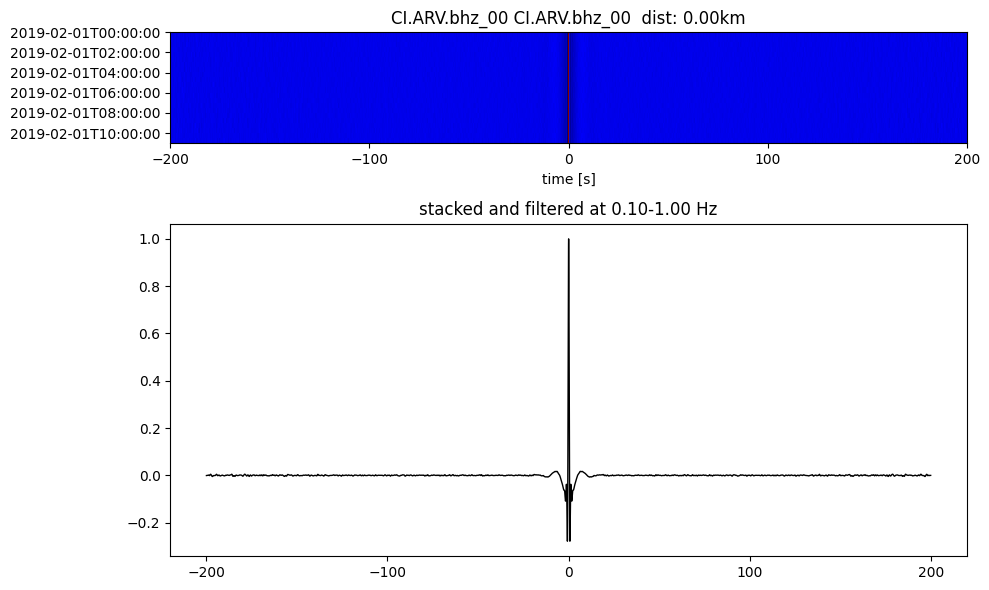
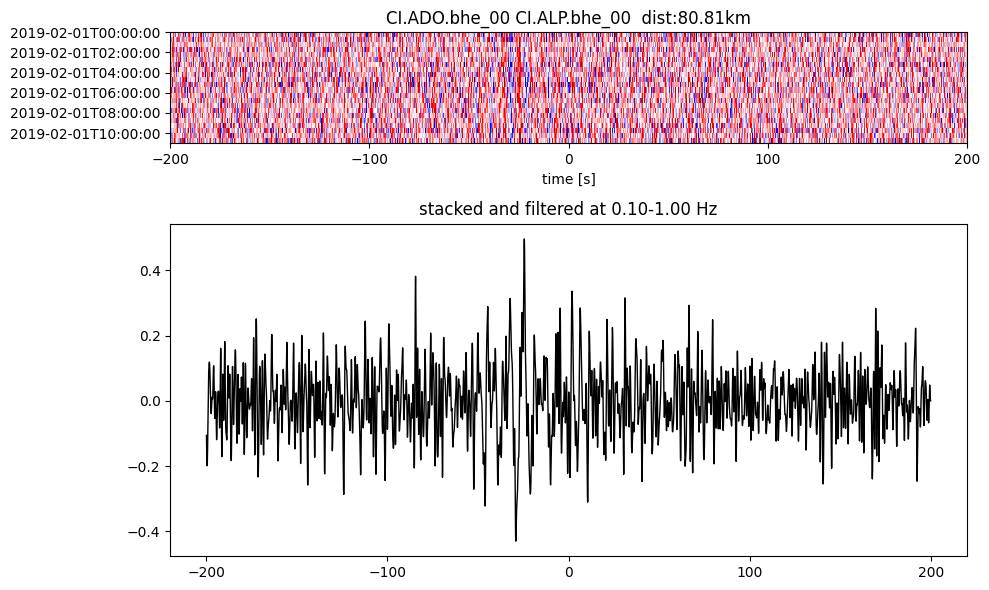
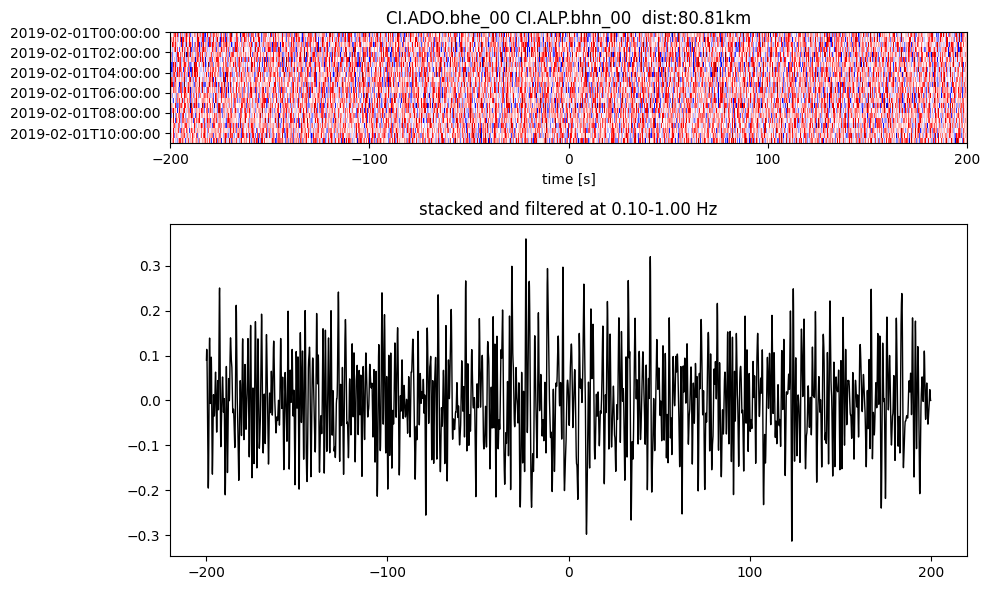
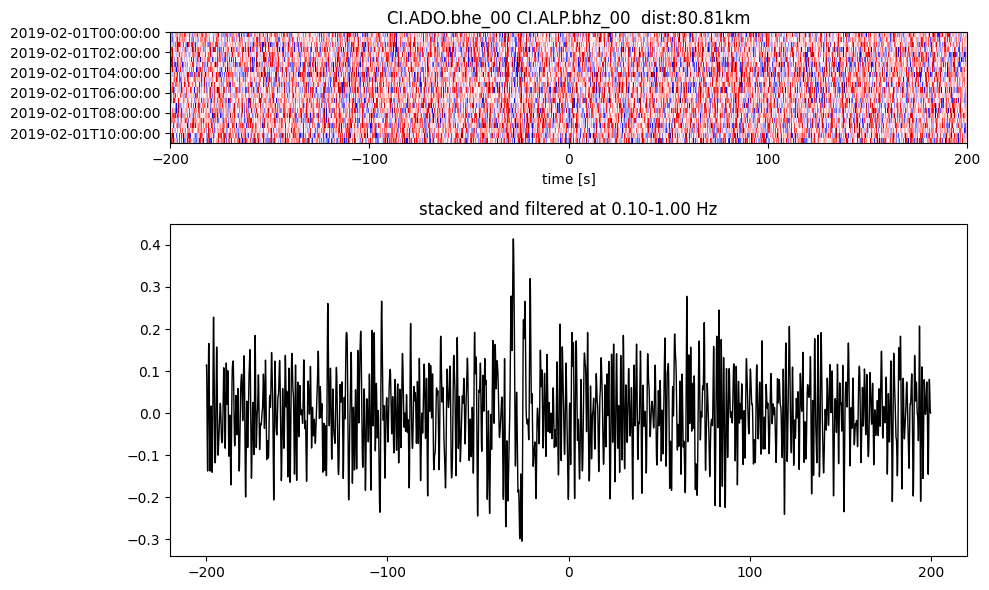
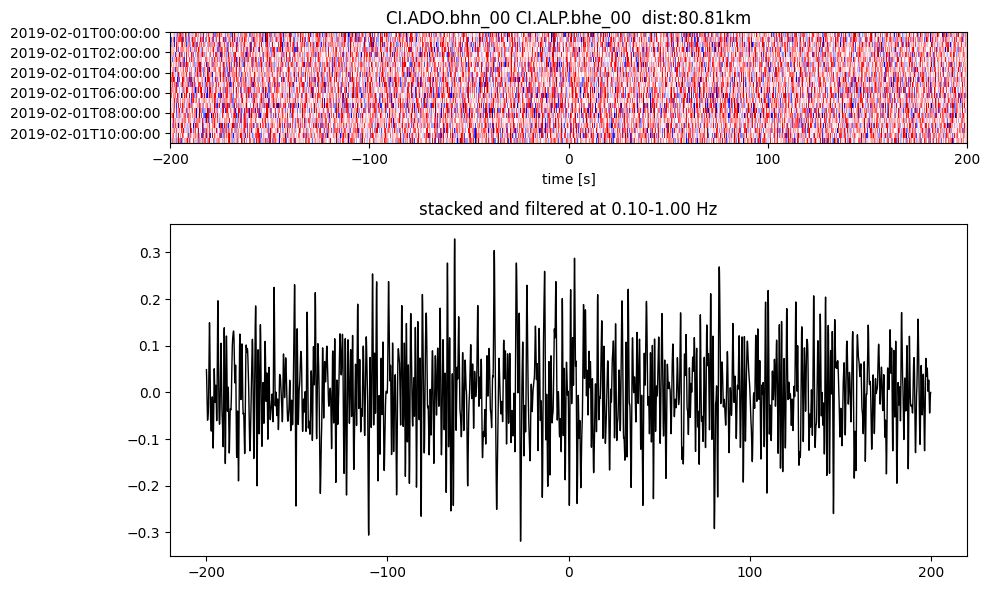
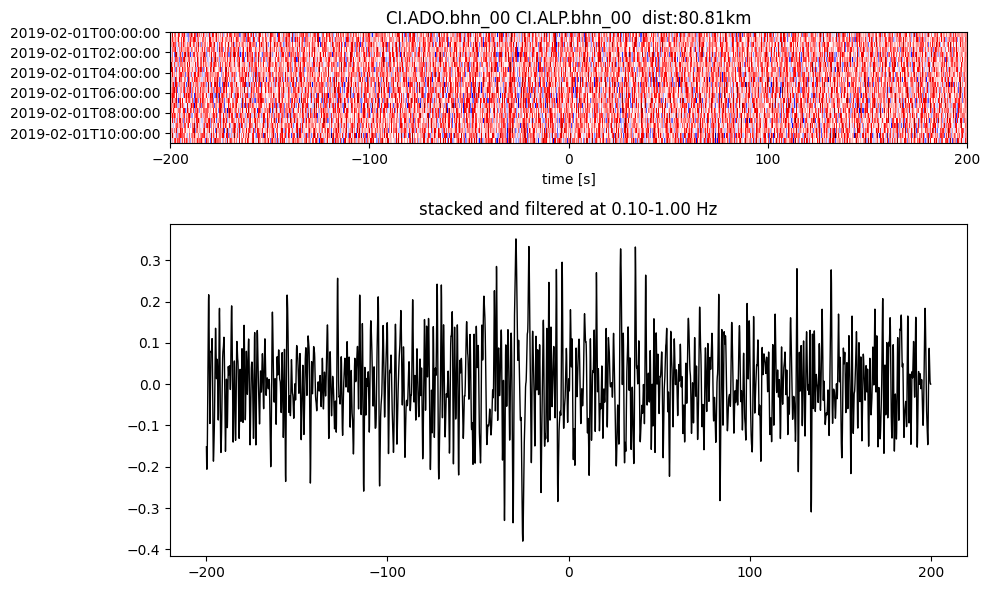
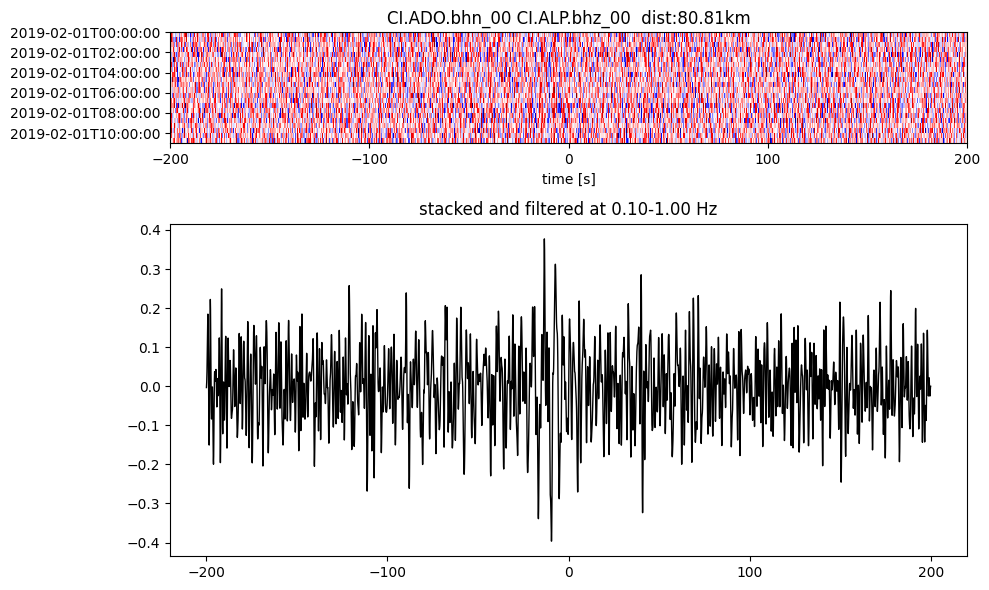
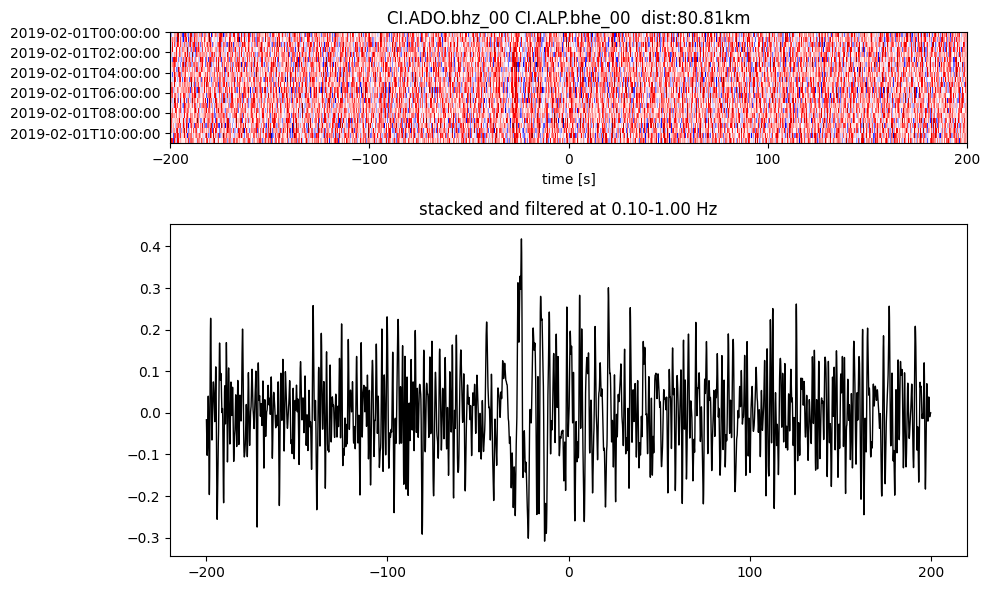
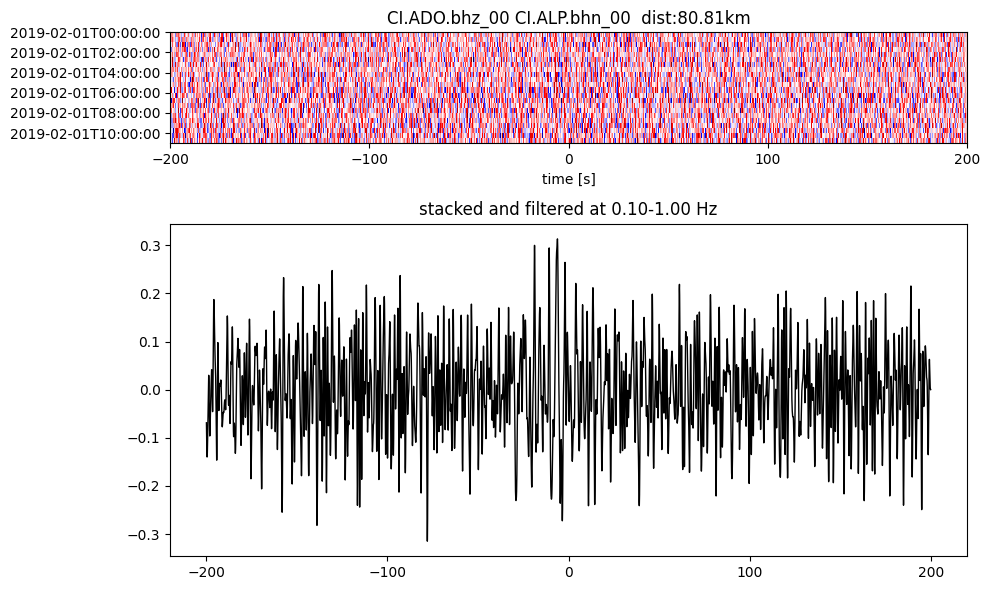
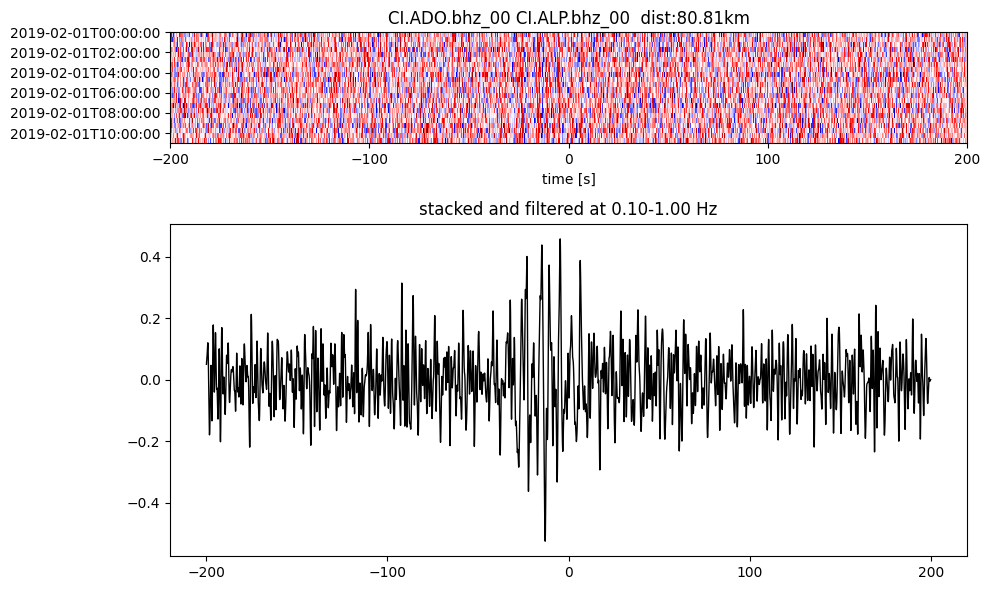
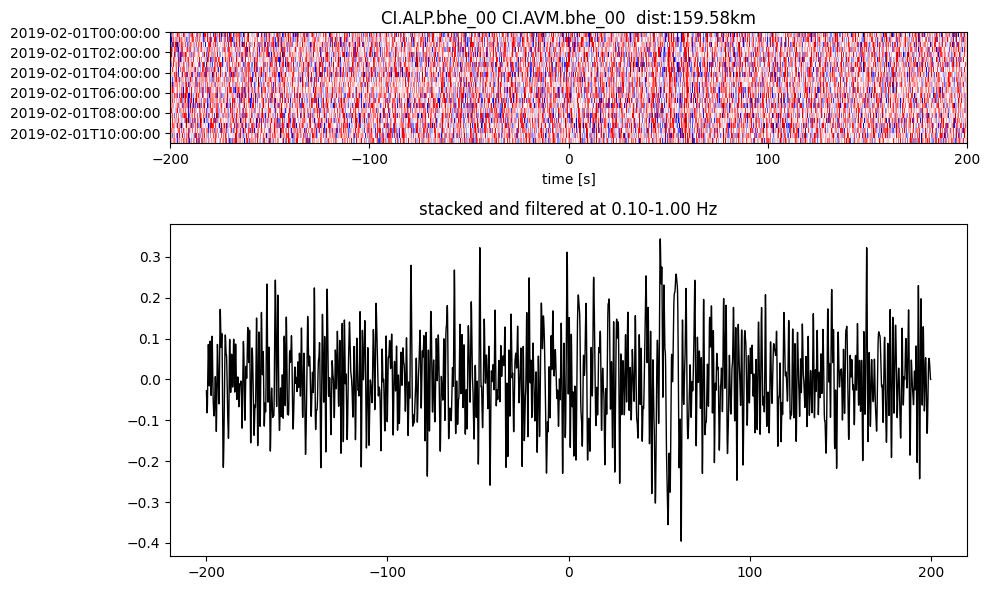
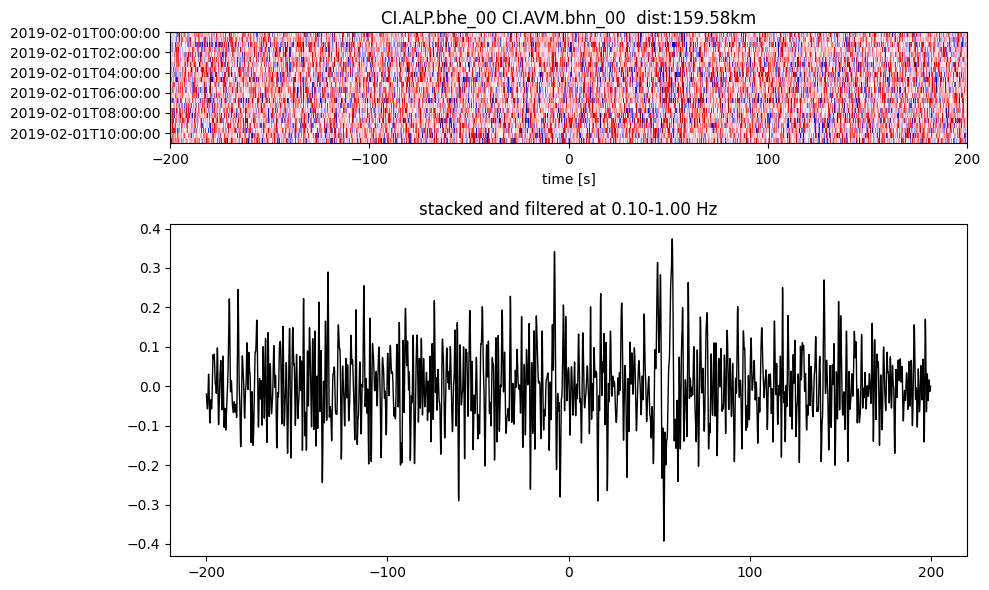
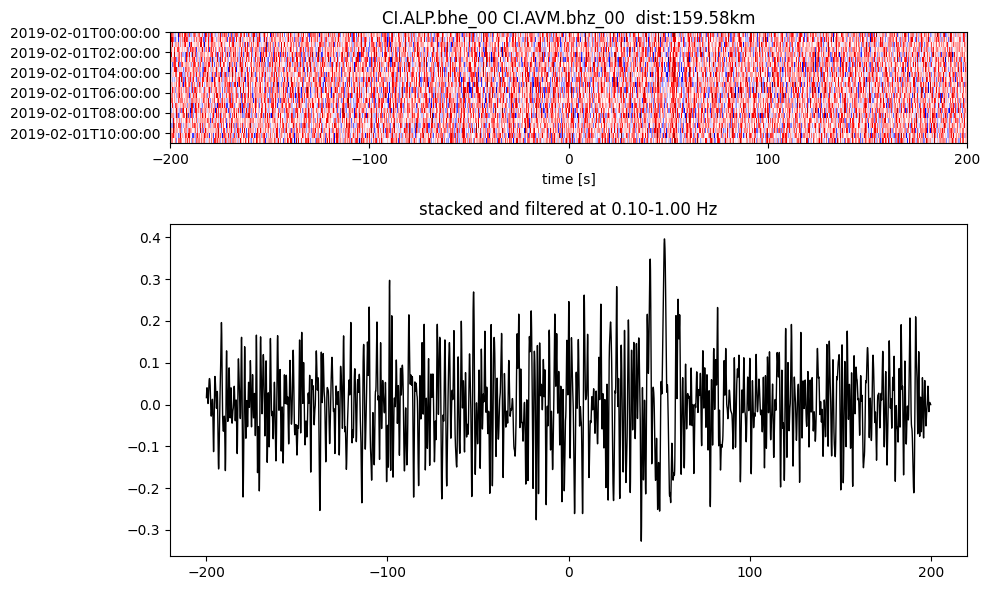
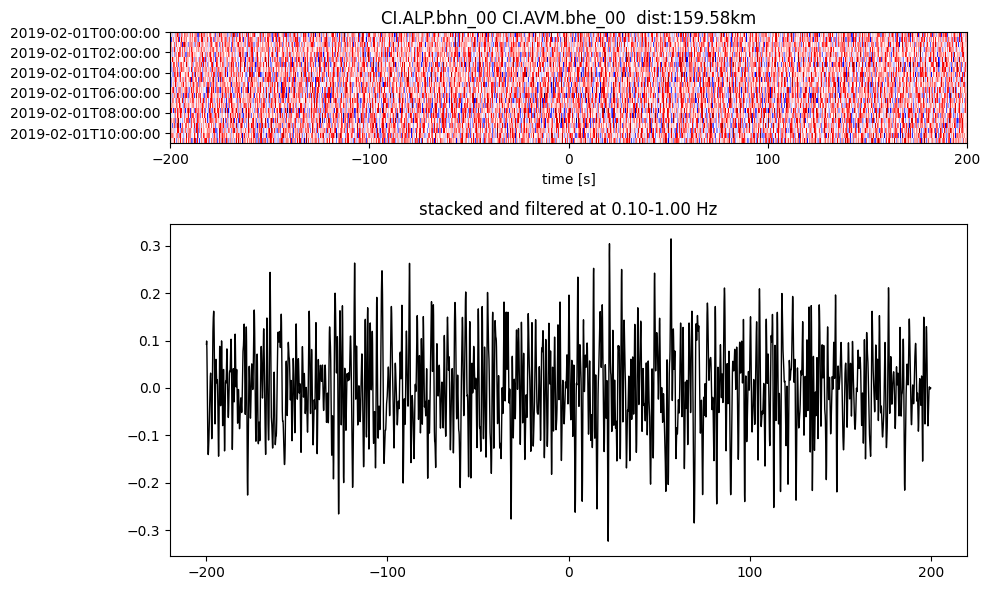
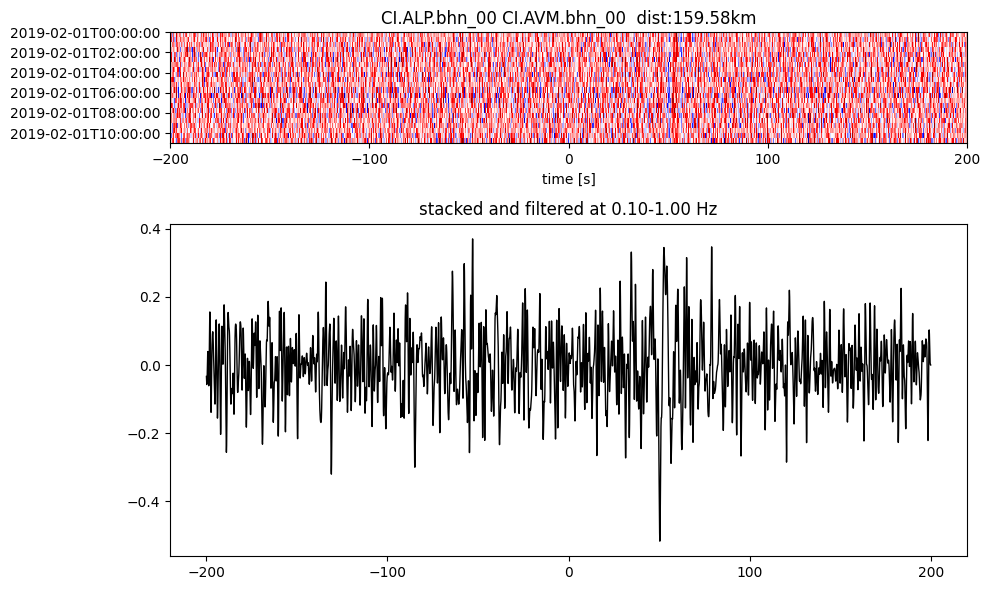
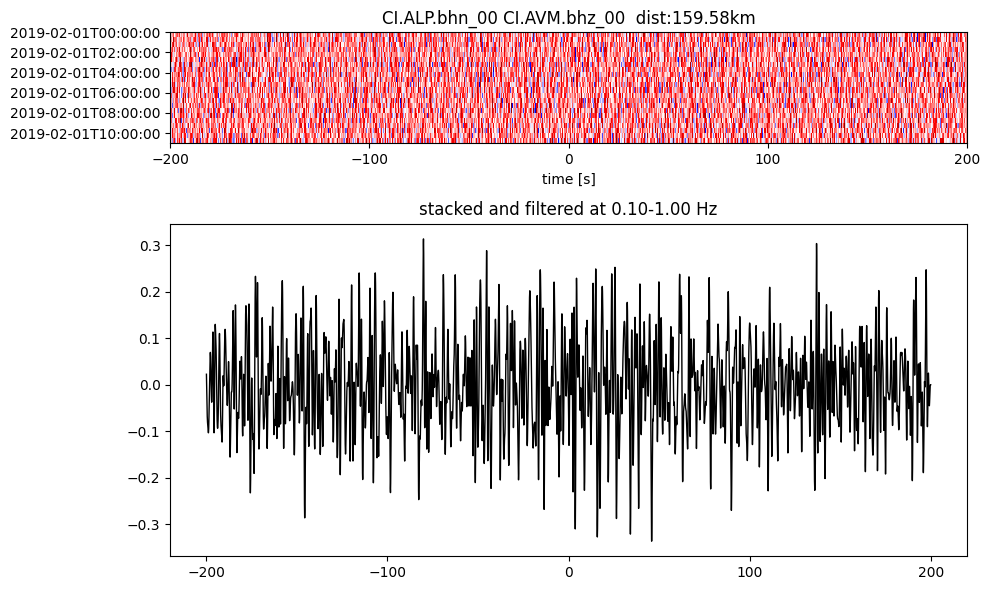
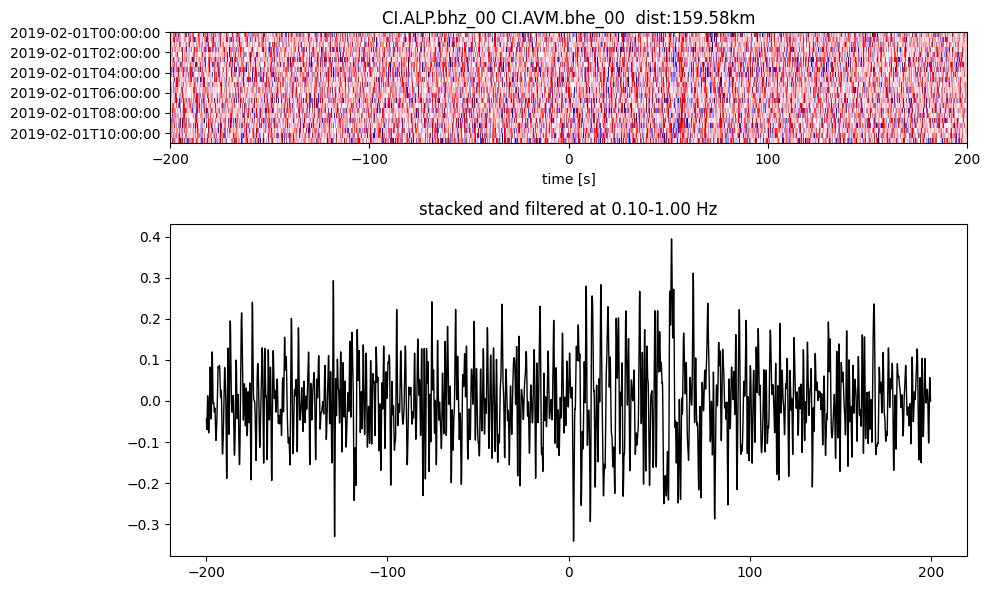
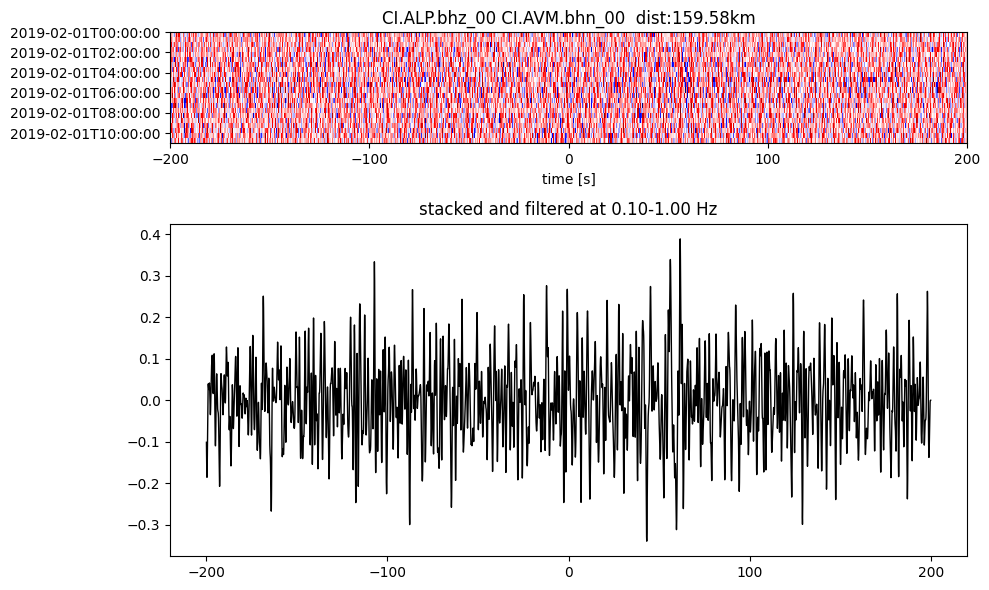
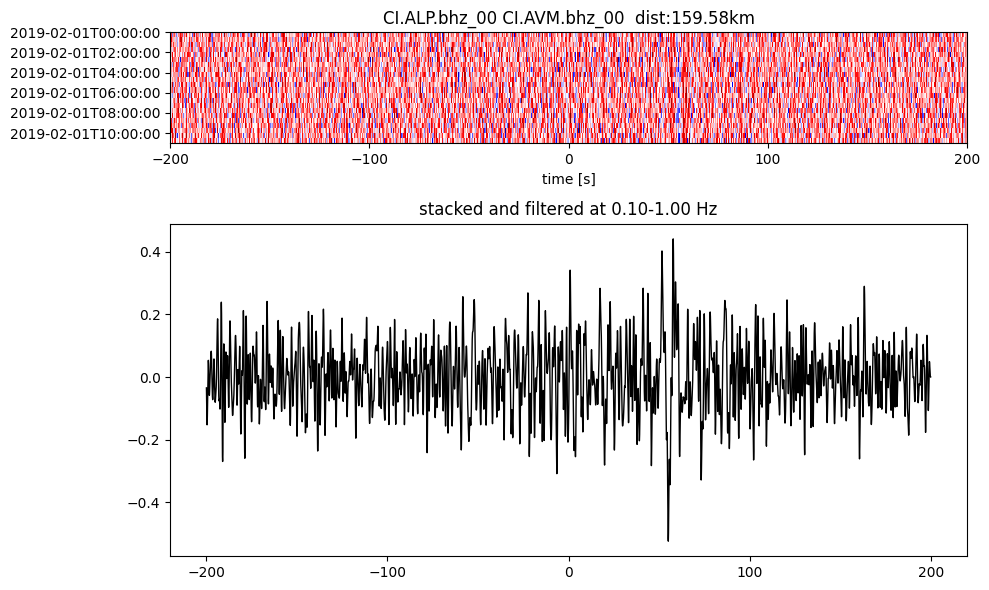
Plot a single set of the cross correlation
pairs = cc_store.get_station_pairs()
timespans = cc_store.get_timespans(*pairs[0])
plotting_modules.plot_substack_cc(cc_store, timespans[0], 0.1, 1, 200, False)
Step 2: Stack the cross correlation#
This combines the time-chunked ASDF files to stack over each time chunk and at each station pair.
# open a new cc store in read-only mode since we will be doing parallel access for stacking
cc_store = ASDFCCStore(cc_data_path, mode="r")
print(cc_store.get_station_pairs())
stack_store = ASDFStackStore(stack_data_path)
config.stations = ["*"] # stacking doesn't support prefixes yet, so allow all stations
stack_cross_correlations(cc_store, stack_store, config)
[(CI.ADO, CI.AVM), (CI.AVM, CI.AVM), (CI.ALP, CI.ARV), (CI.ARV, CI.AVM), (CI.ALP, CI.ALP), (CI.ADO, CI.ADO), (CI.ADO, CI.ARV), (CI.ARV, CI.ARV), (CI.ADO, CI.ALP), (CI.ALP, CI.AVM)]
2026-08-03 12:32:47 | INFO | stack.initializer() | Station pairs: 10
pairs = stack_store.get_station_pairs()
print(f"Found {len(pairs)} station pairs")
sta_stacks = stack_store.read_bulk(timerange, pairs) # no timestamp used in ASDFStackStore
Found 10 station pairs
Plot the stacks
print(os.listdir(cc_data_path))
print(os.listdir(stack_data_path))
['2019_02_01_12_00_00T2019_02_02_00_00_00.h5', '2019_02_01_00_00_00T2019_02_01_12_00_00.h5']
['CI.ALP', 'CI.ARV', 'CI.AVM', 'CI.ADO']
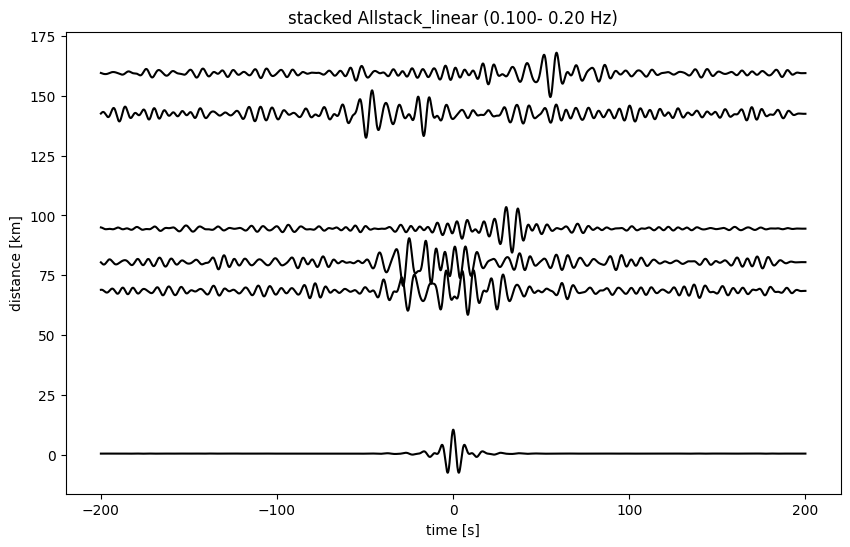
plotting_modules.plot_all_moveout(sta_stacks, 'Allstack_linear', 0.1, 0.2, 'ZZ', 1)
2026-08-03 12:32:50 | INFO | plotting_modules.plot_all_moveout() | Plotting 10 pairs from Allstack_linear
200 8001